
KeyMod Tutorial
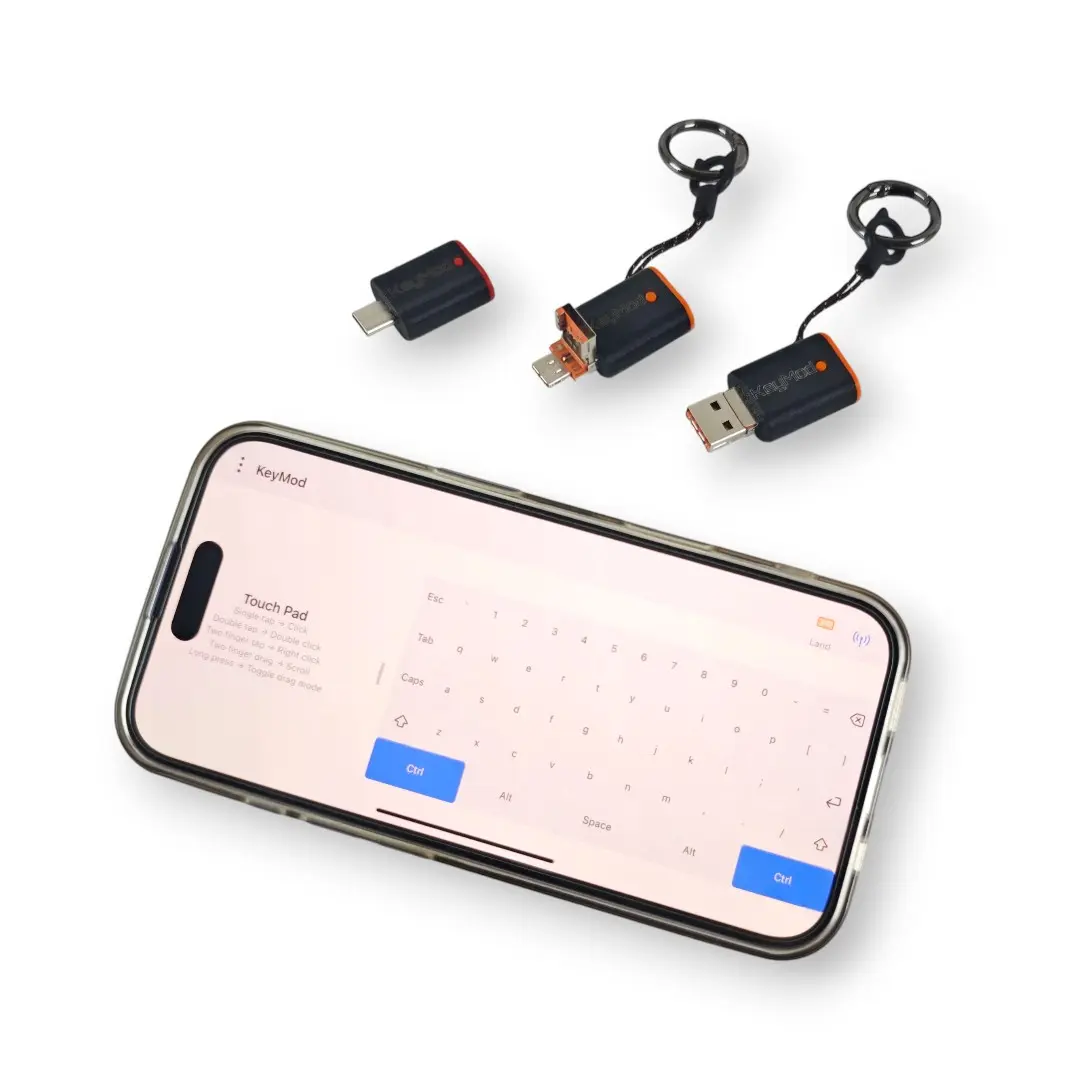
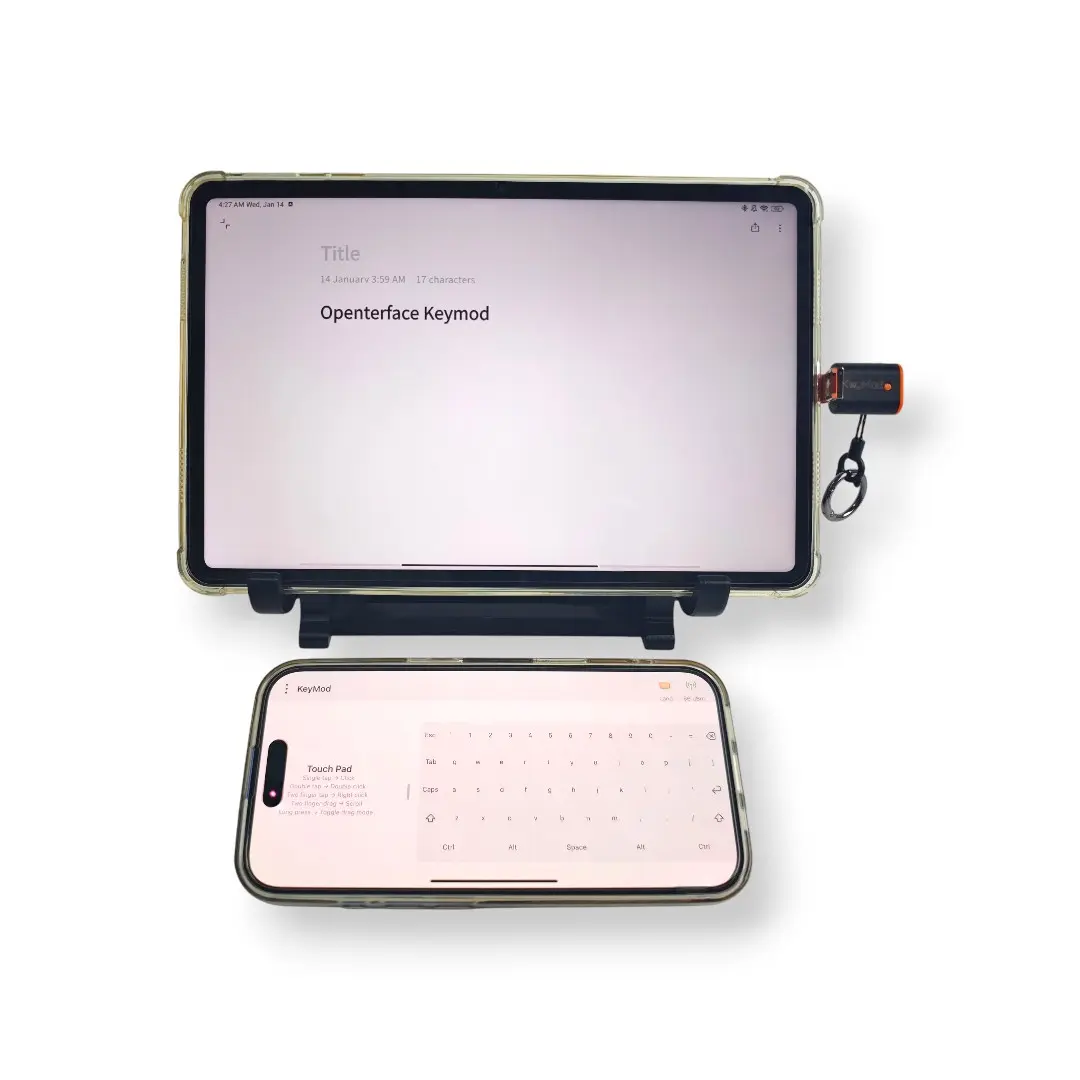
This tutorial covers both the Android and iOS/iPadOS versions of the KeyMod app. Where features differ between platforms, we note it clearly.
What is KeyMod?
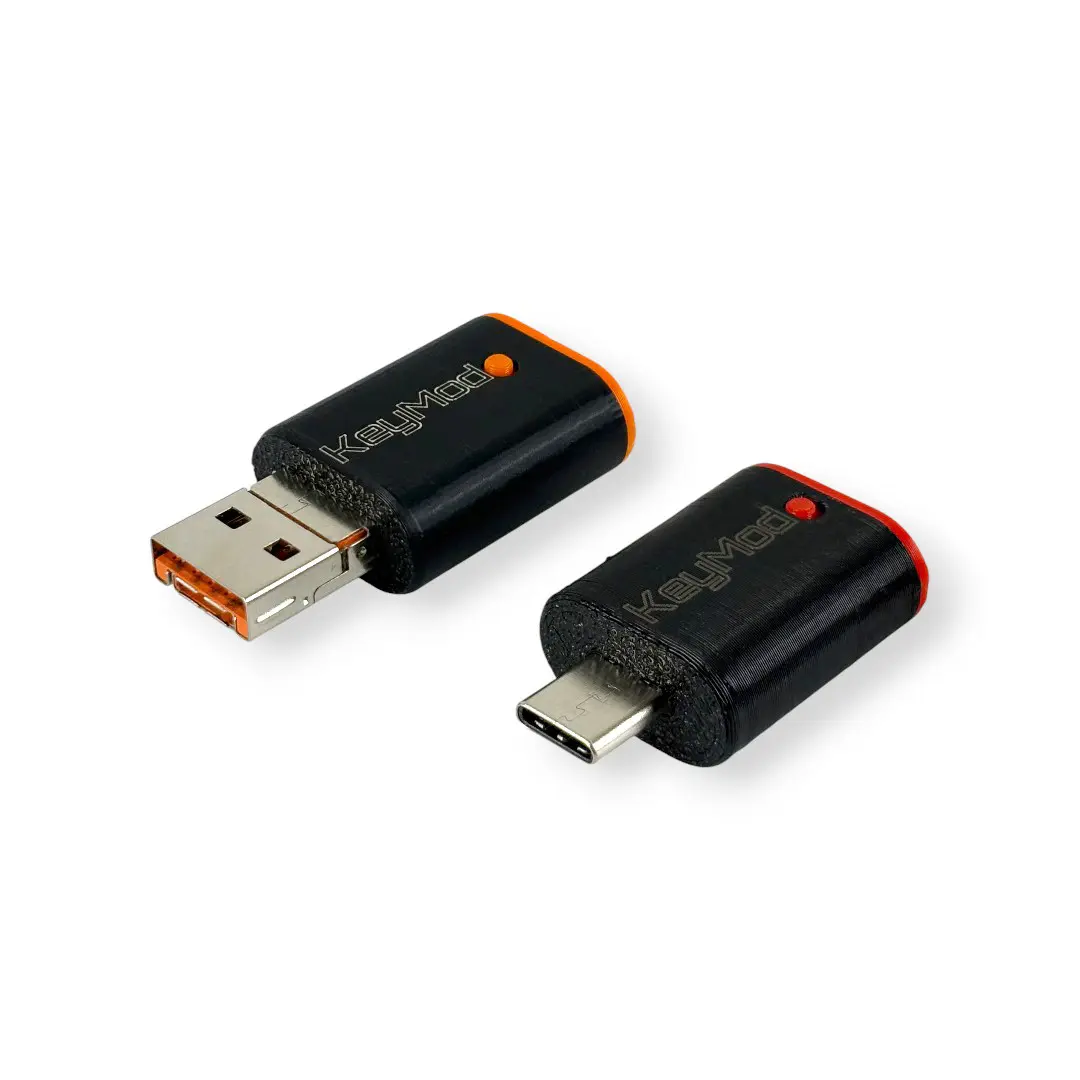
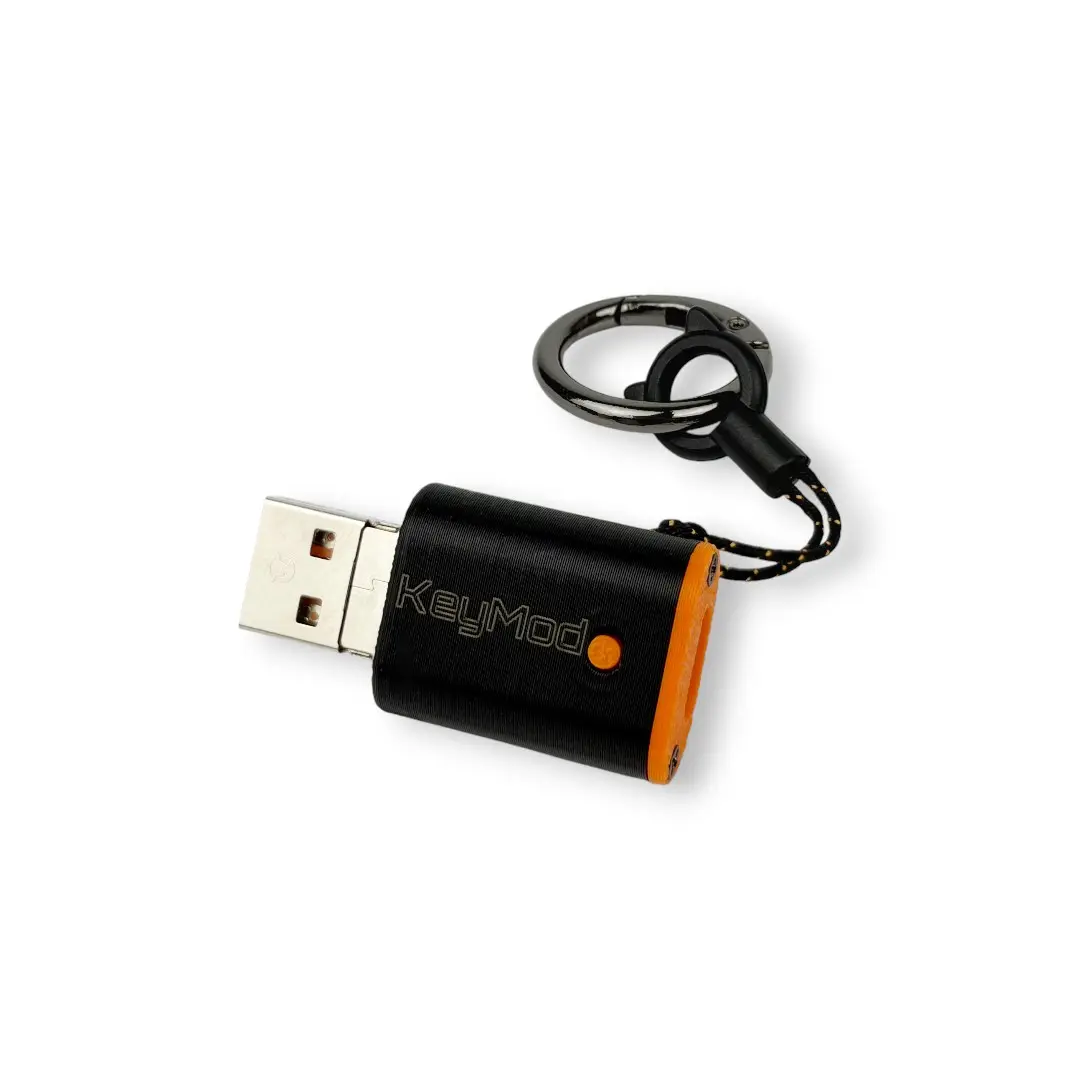
KeyMod transforms your phone or tablet into a universal input device for any computer. It connects to the Openterface KeyMod hardware (a KVM — Keyboard, Video, Mouse switcher), which then sends your phone's keystrokes, mouse movements, and gamepad inputs to a target computer as if they came from a real USB keyboard and mouse.
How the connection works
Text Only
[ Your Phone ] ──USB/BLE──> [ KeyMod Hardware ] ──USB HID──> [ Target Computer ]
   (KeyMod app)                (CH9329 protocol)              (Windows/macOS/Linux)
The app communicates with the KeyMod hardware using the CH9329 protocol over a serial connection (USB-C at 115200 baud, 8N1, or Bluetooth BLE). The KeyMod device appears to the target computer as a standard USB keyboard and mouse — no drivers needed.
Who is this for?
| You are... | KeyMod helps you... |
|---|---|
| System Administrator | Manage servers from your phone without carrying a spare keyboard and monitor |
| Presenter / Speaker | Control slides from anywhere in the room, no clicker needed |
| Gamer | Use your phone as a gamepad for retro gaming or as an extra controller |
| Content Creator | Trigger shortcuts, macros, and voice input while recording on another machine |
| Power User | Send complex keyboard shortcuts, text snippets, or automation sequences from your phone |
| Anyone | Type on your computer from your couch, bed, or across the room |
Tutorial Sections
| Guide | Description |
|---|---|
| 1. Getting Started | Install, connect, and pick your first mode (5 minutes) |
| 2. Keyboard & Mouse | Typing, modifiers, touchpad, and text input |
| 3. Target-Specific Keyboard | Keyboard layouts and target OS mapping |
| 4. Shortcut Hub | Profile-based keyboard shortcuts for popular apps |
| 5. Macros | Automated key sequences with delays |
| 6. Voice Input | Speech-to-keyboard with Whisper AI |
| 7. AI Integration | Text refinement and command assistant |
| 8. Gamepad | Virtual game controller with customizable layouts |
| 9. Numpad | Numeric keypad for data entry |
| 10. Presentation | Slide remote control and timer |
| 11. Settings | App configuration and preferences |
| 12. Troubleshooting | Common problems and solutions |
Getting Help
- Bug reports: GitHub Issues (Android) / GitHub Issues (iOS)
- Community: TechxArtisan Discord
- Source code: Android / iOS