

Plug in KeyMod (Mini / Plus)
Into the target device. Zero driver. BIOS-ready.
Pocket USB multi-tool bridge.
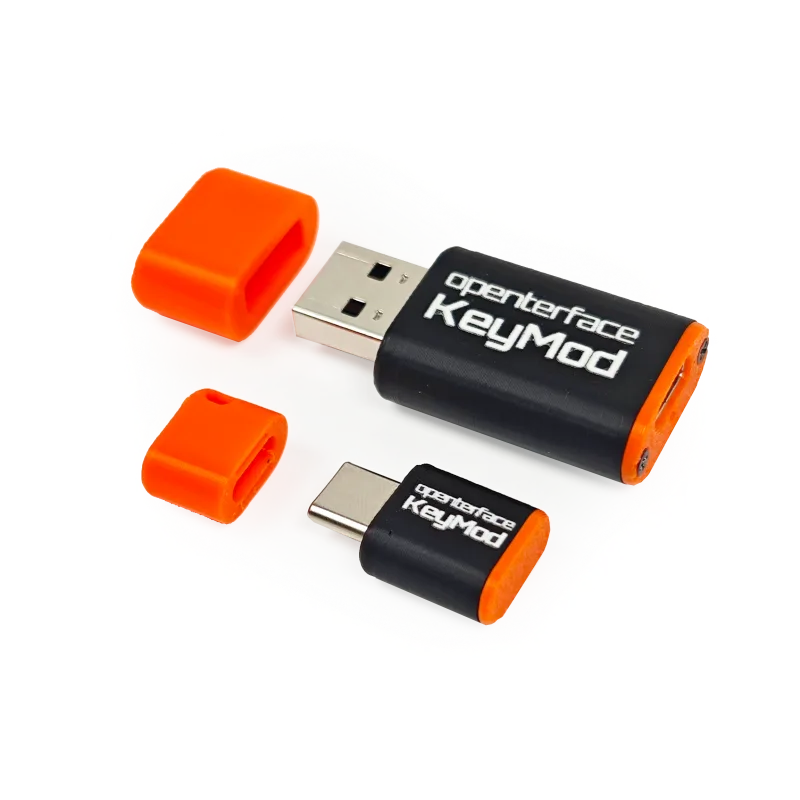
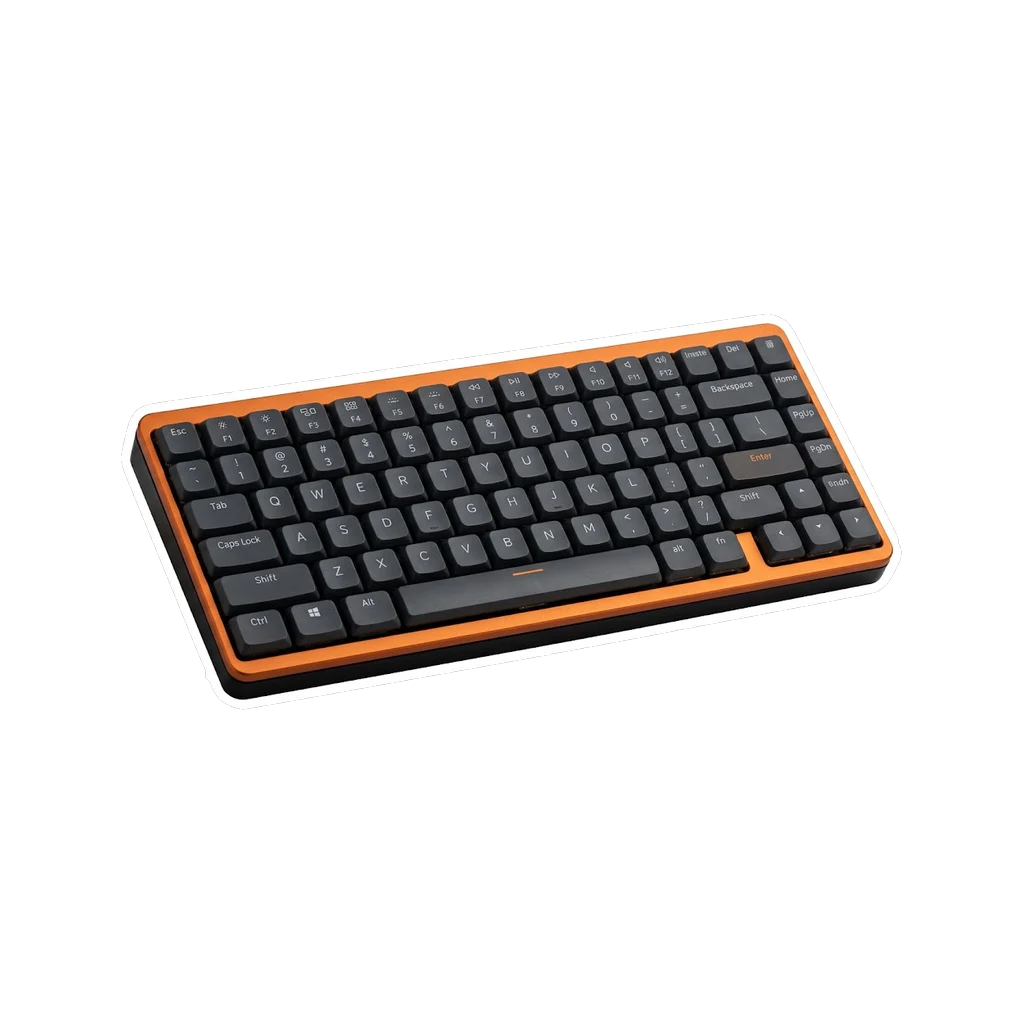
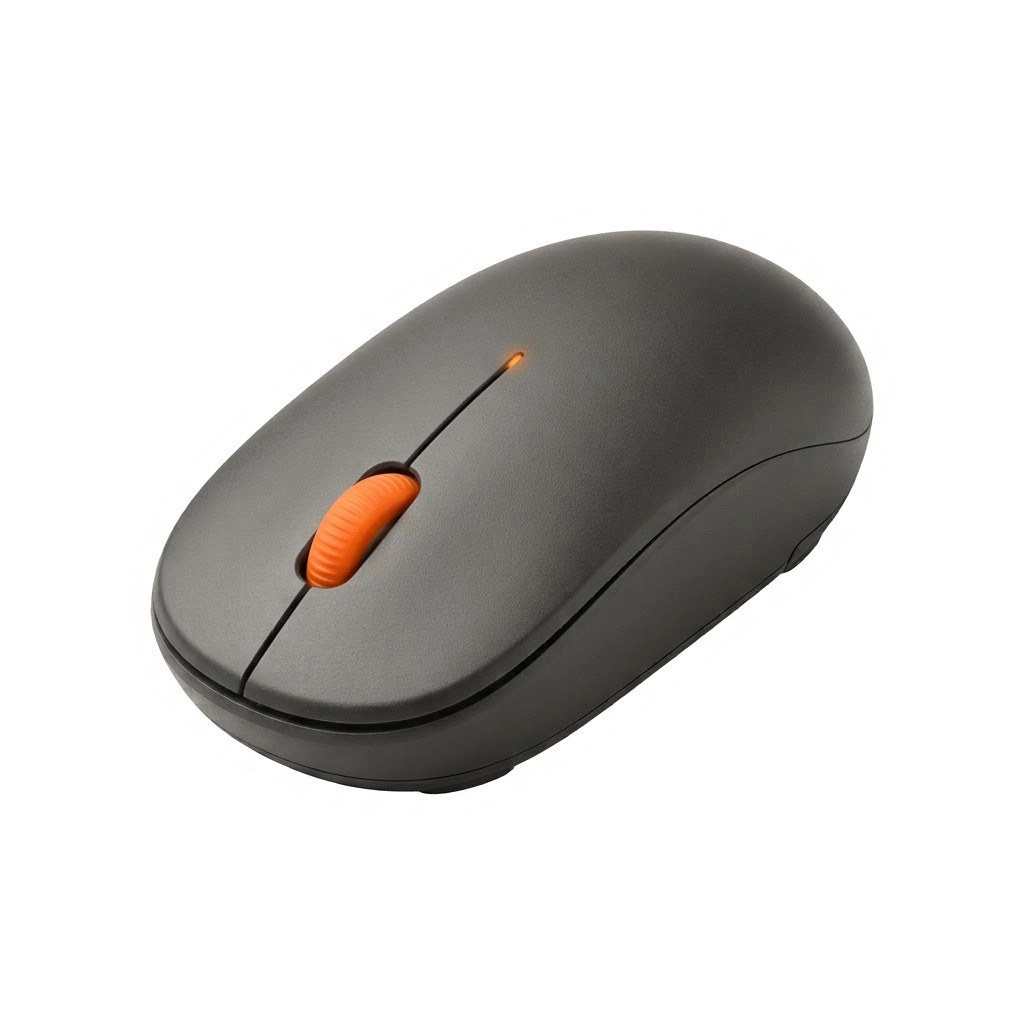
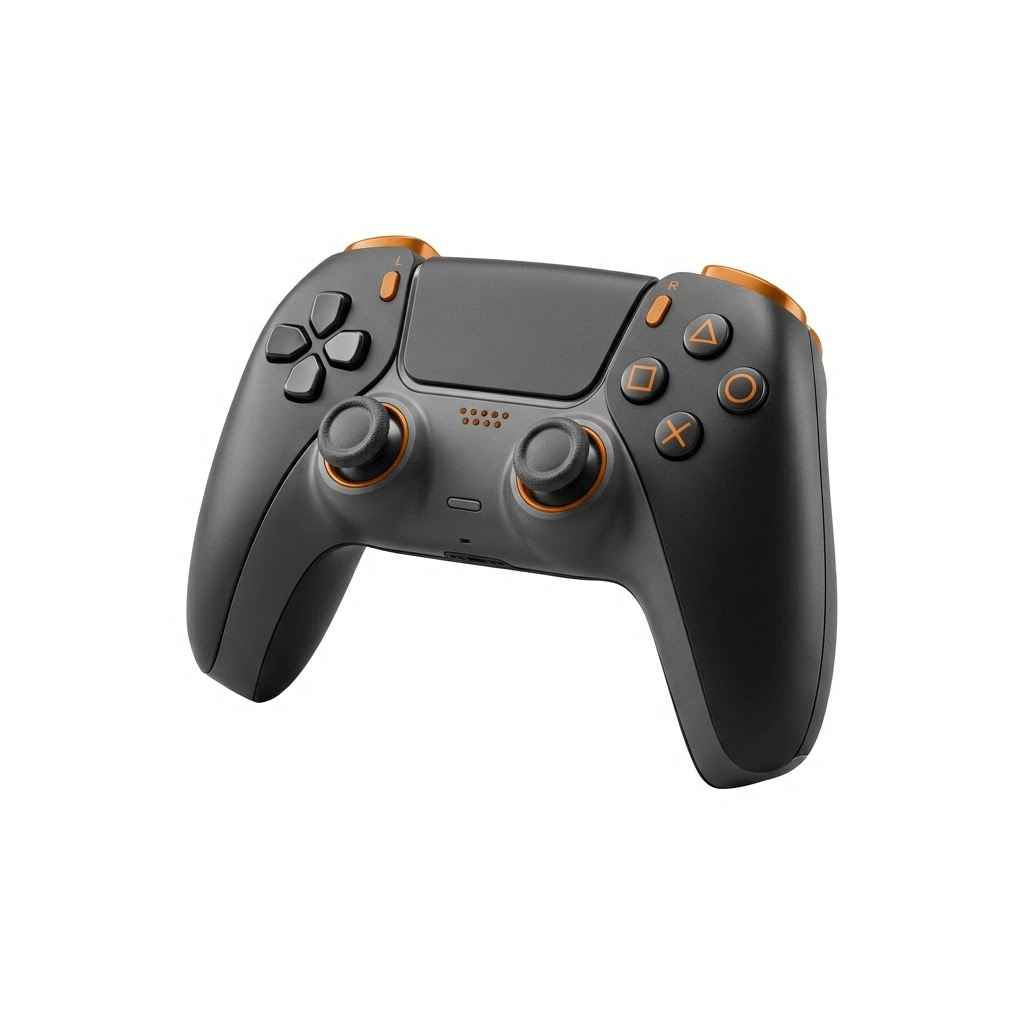
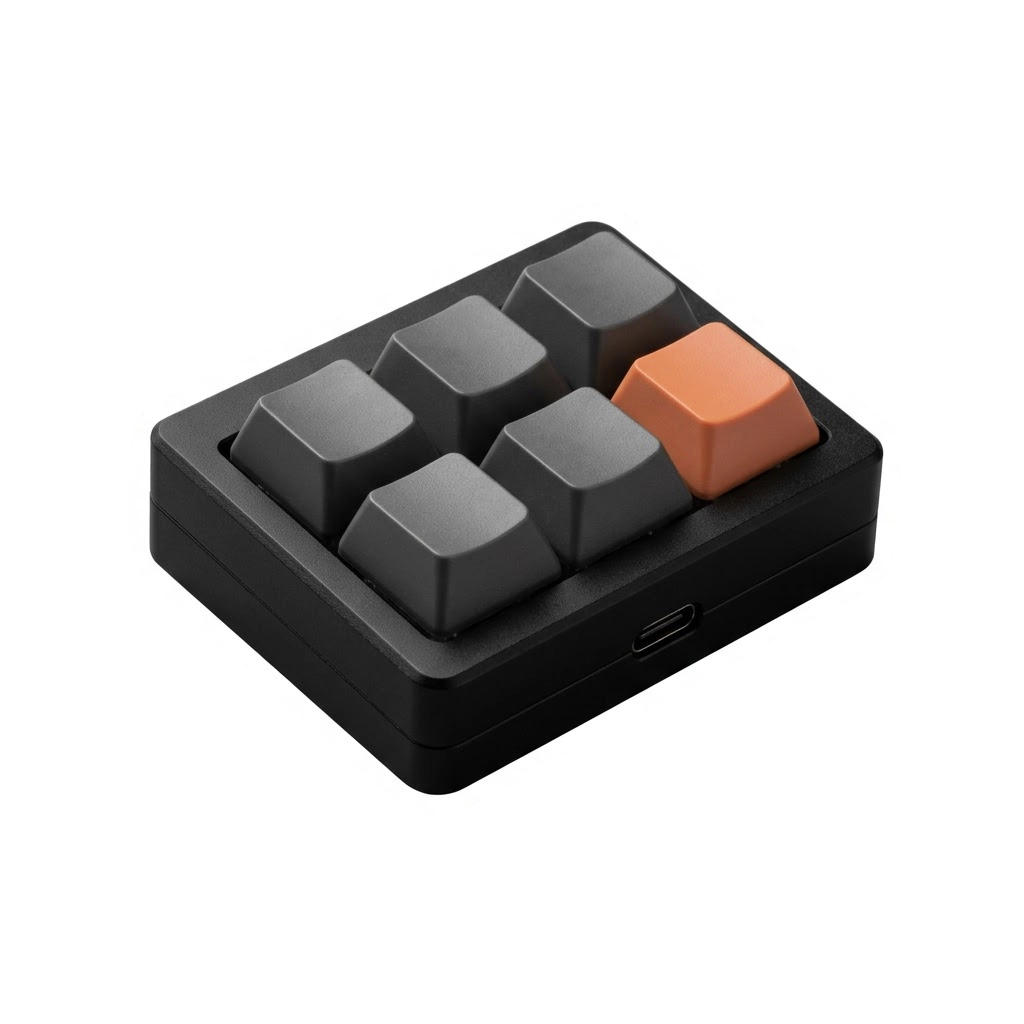
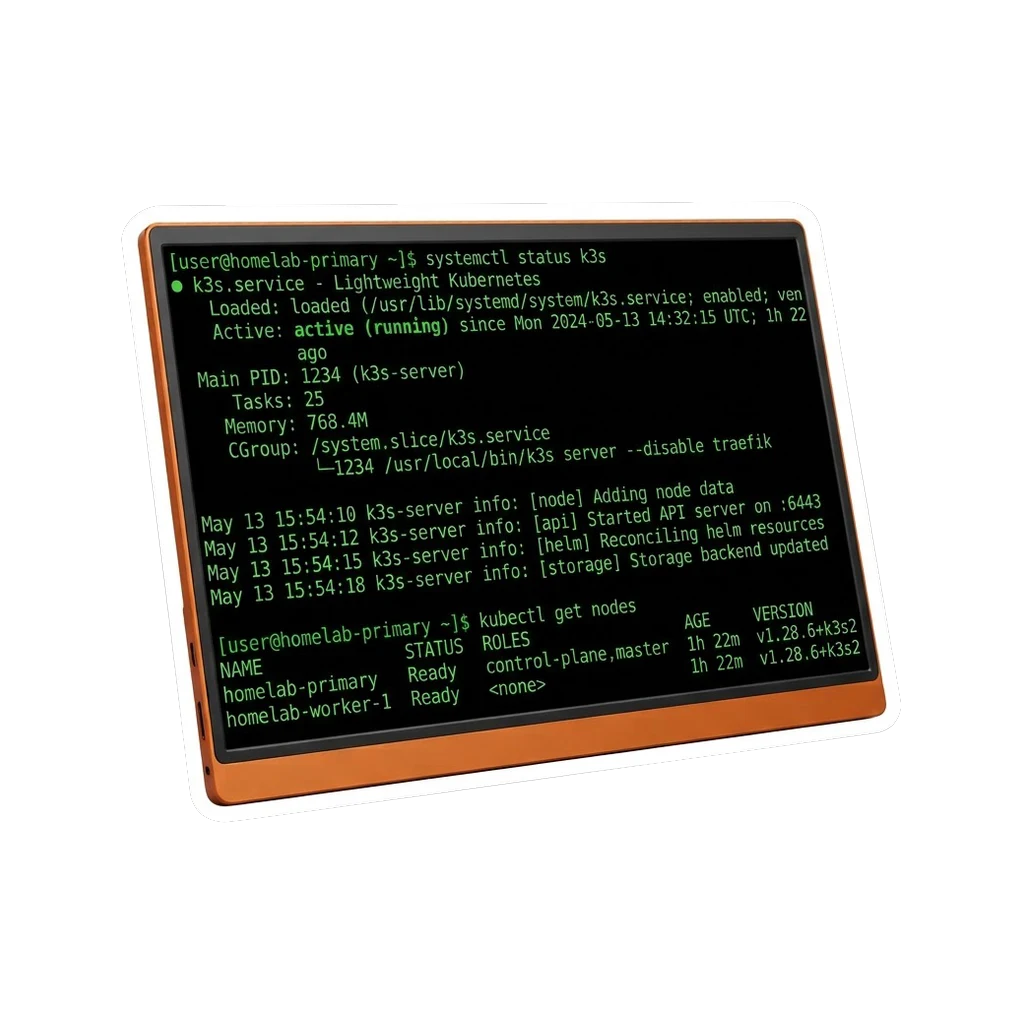
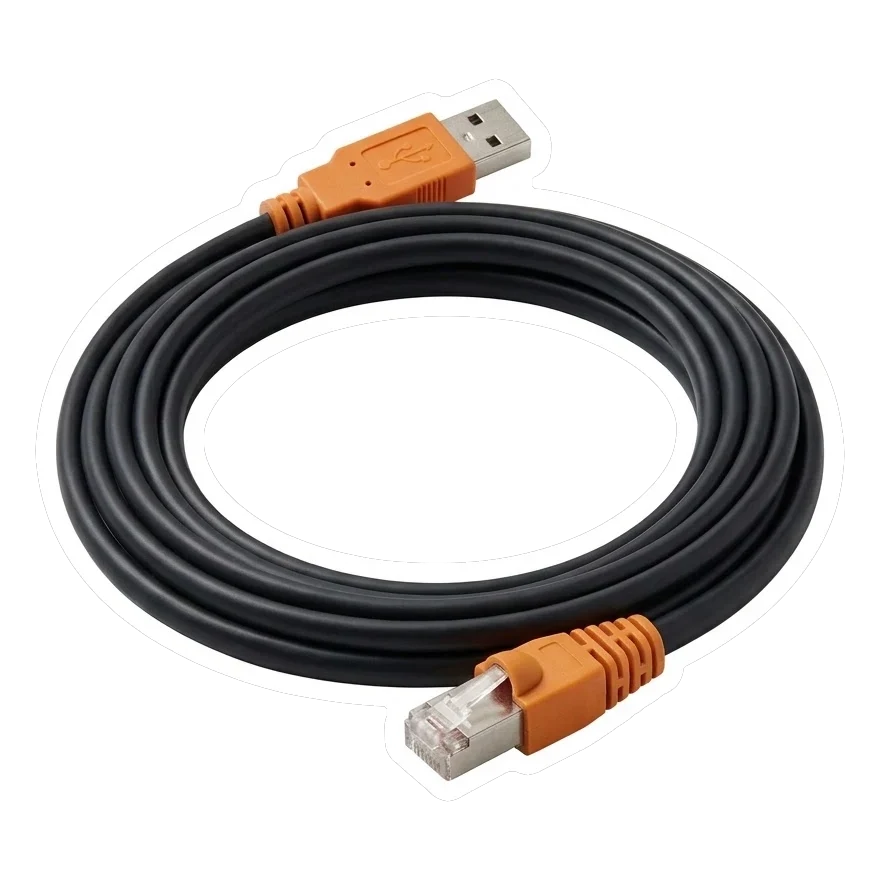

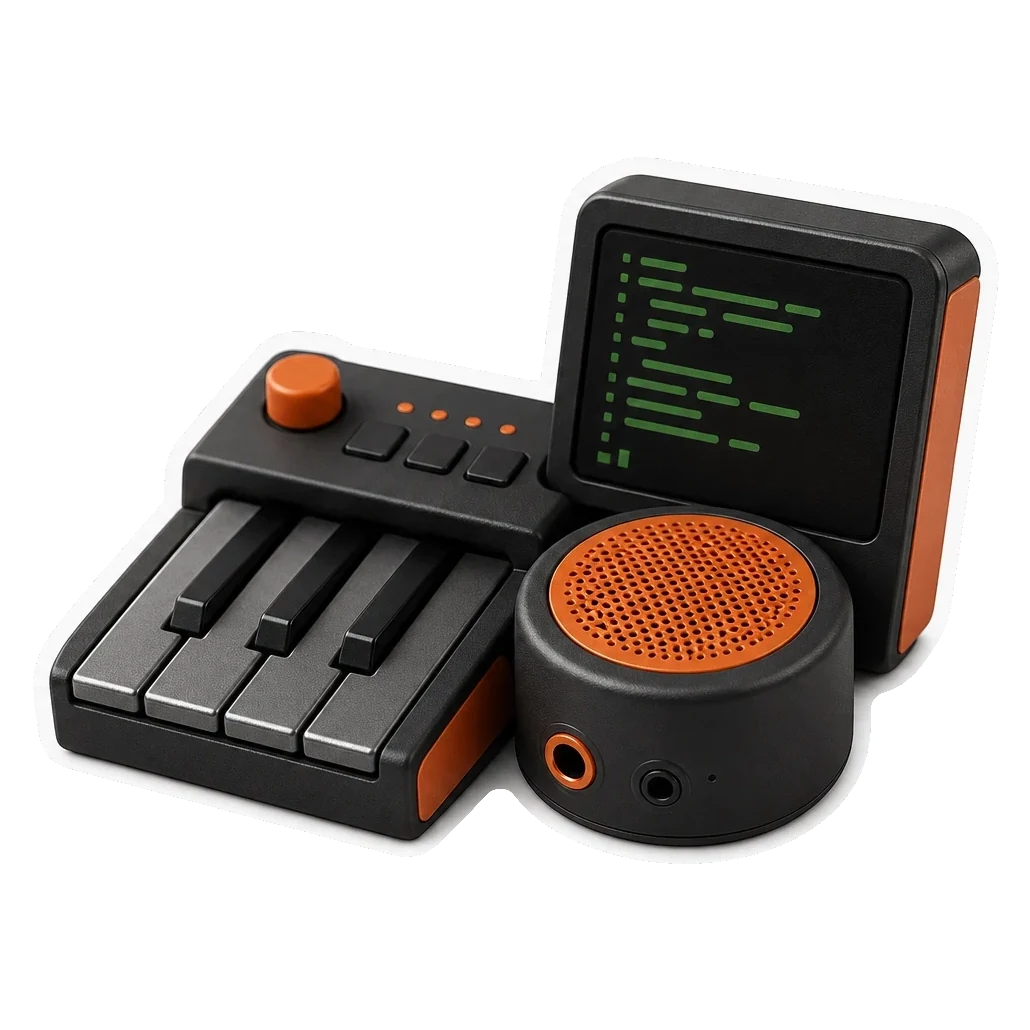
Type on the target. BIOS-ready.
Plug into the target device. BLE control, zero driver, BIOS-ready. Server, PC, or console. Any USB port.
What it is
Target → KeyMod → Phone → KeyCmd
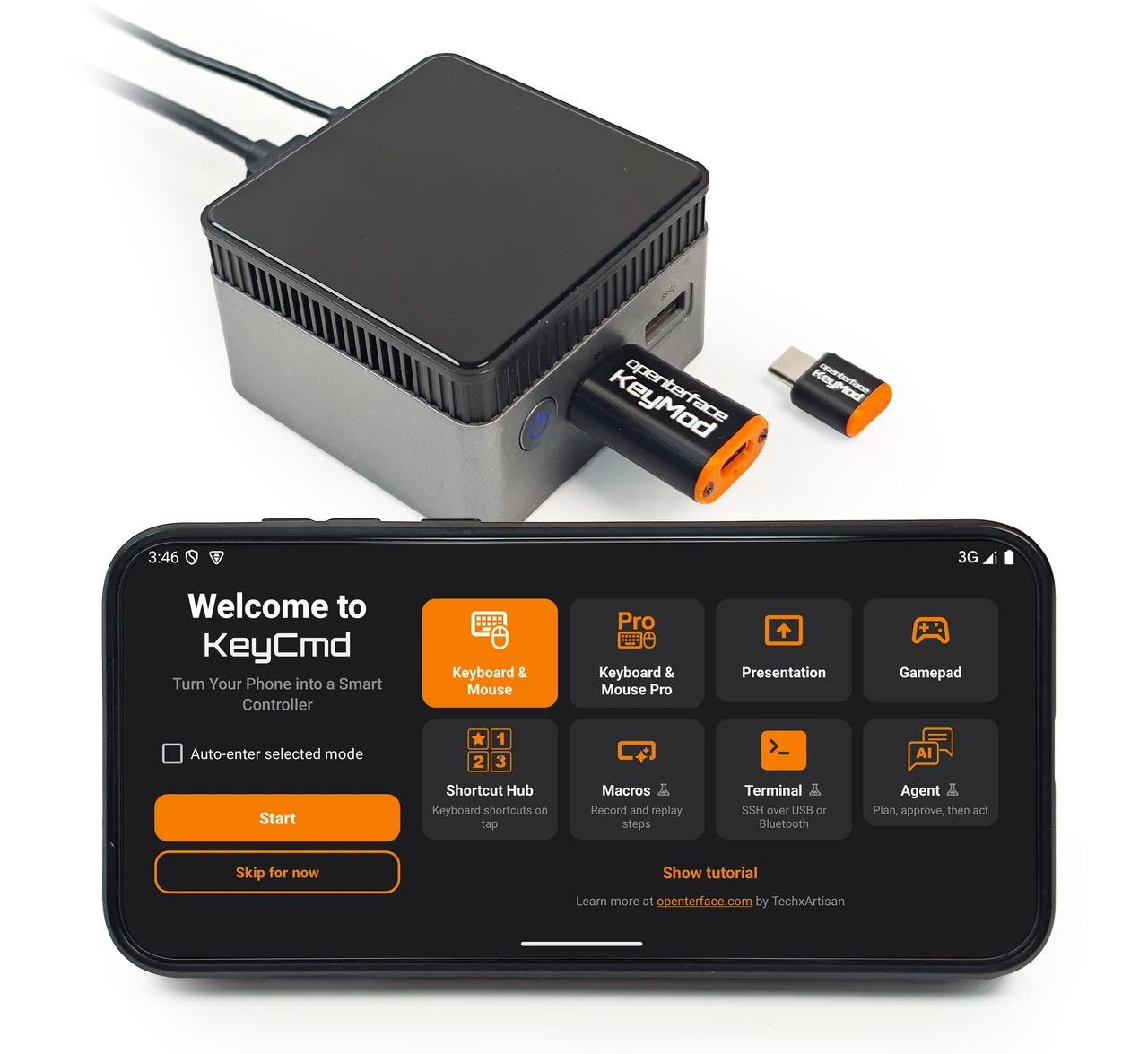
Into the target device. Zero driver. BIOS-ready.
Pick a mode: KM Basic, KM Pro, gamepad, macros, and more.
KeyMod stays on the USB port.
KeyCmd mode changes what you can do from your phone.
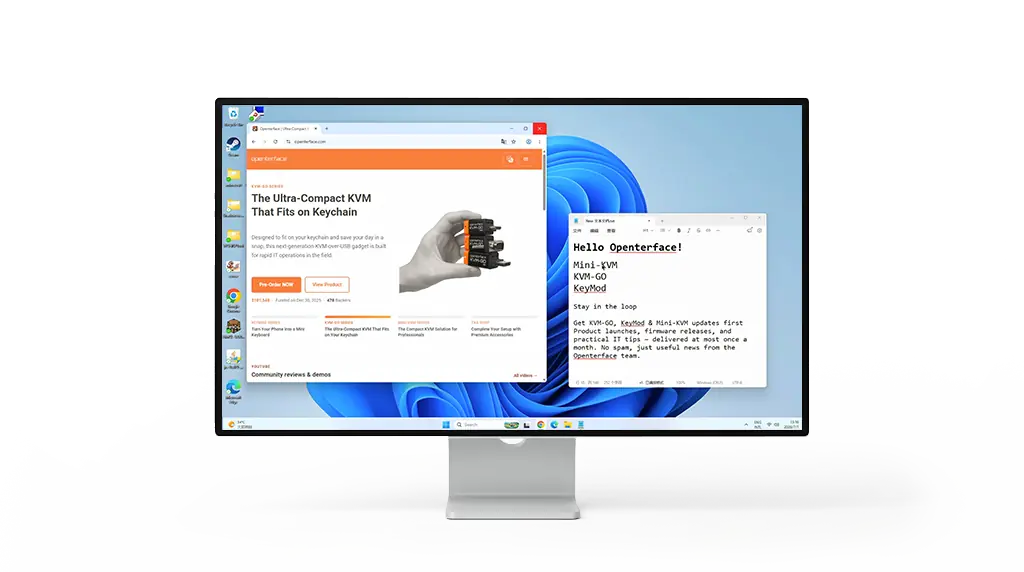
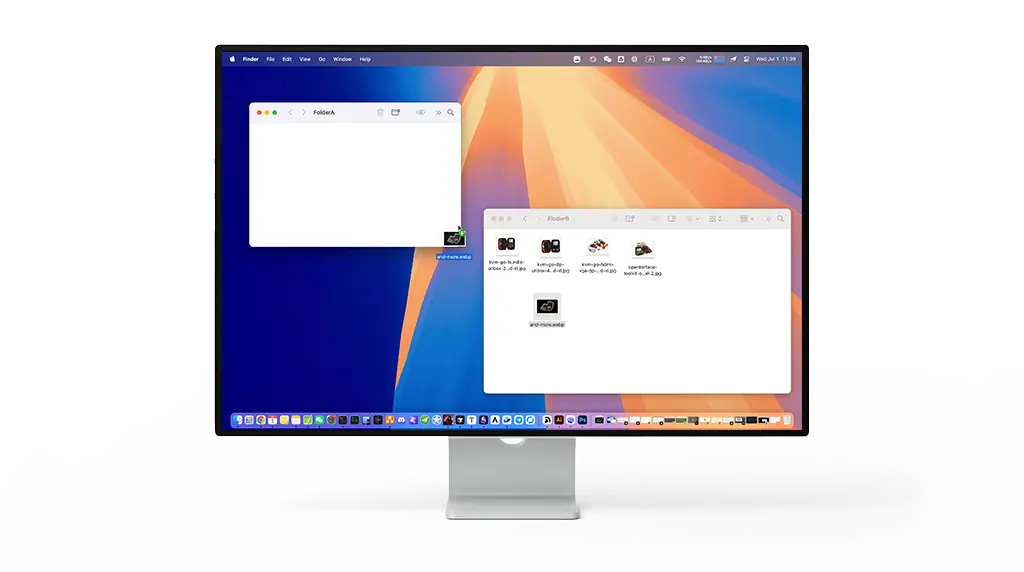
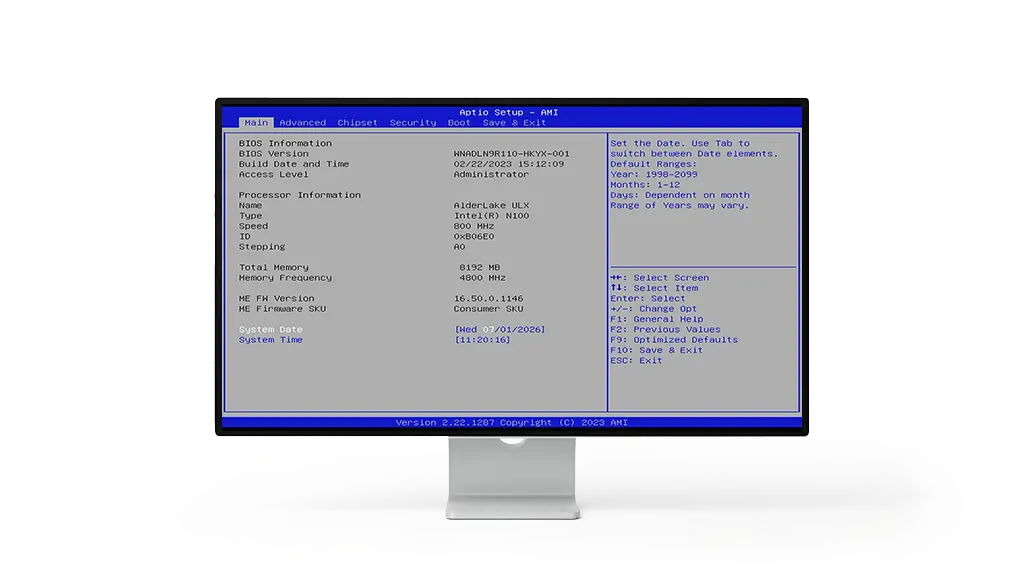
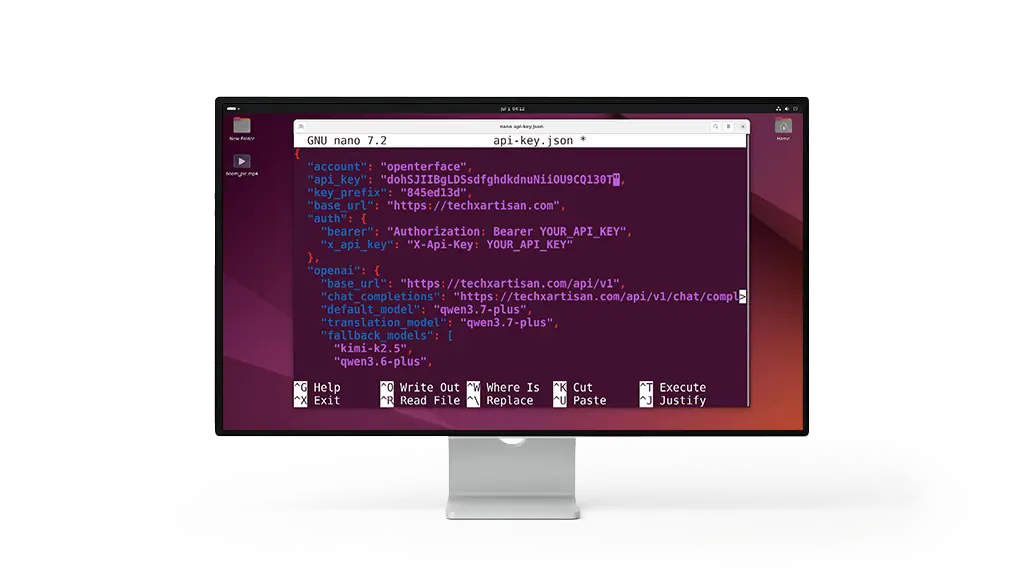
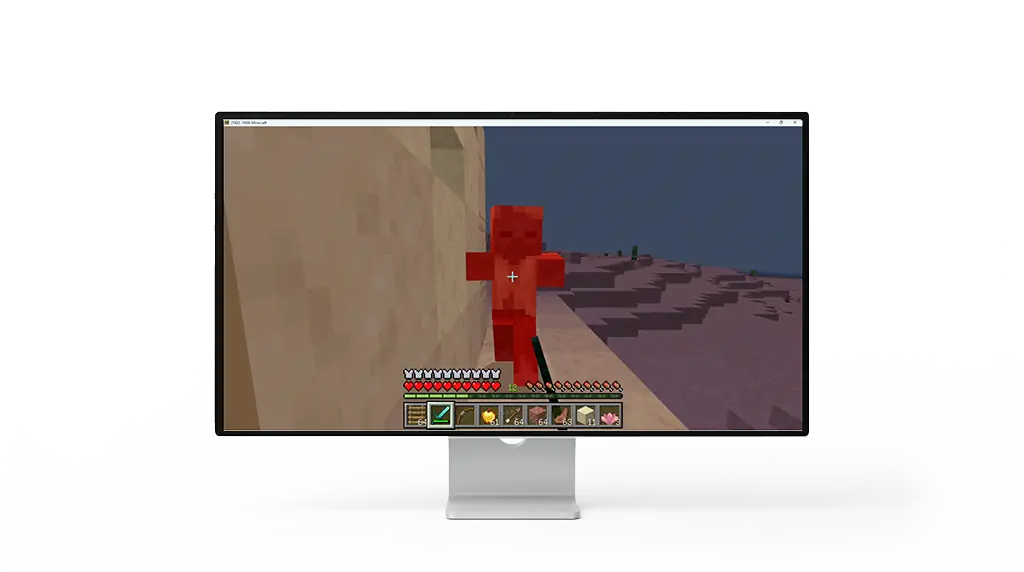
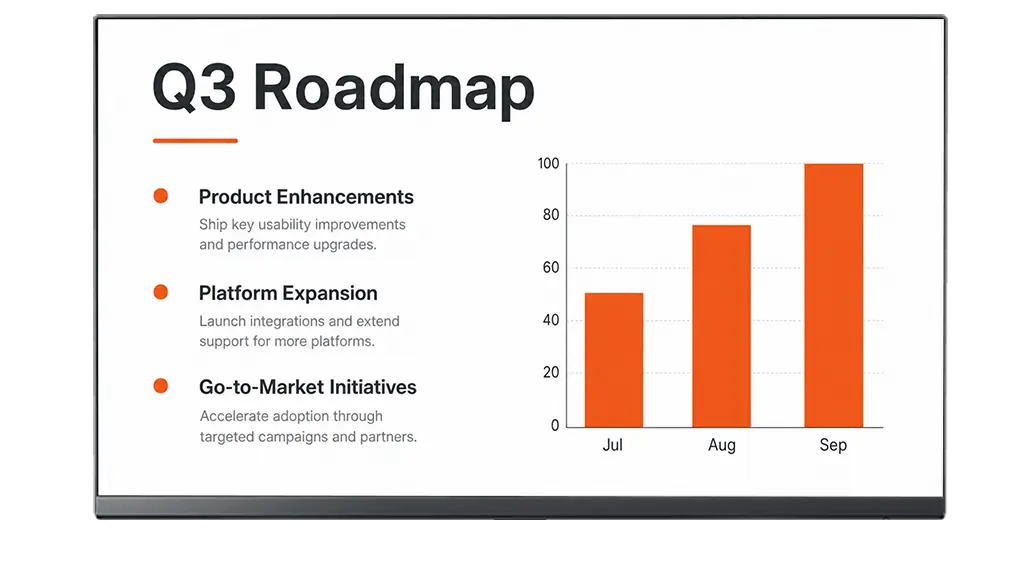
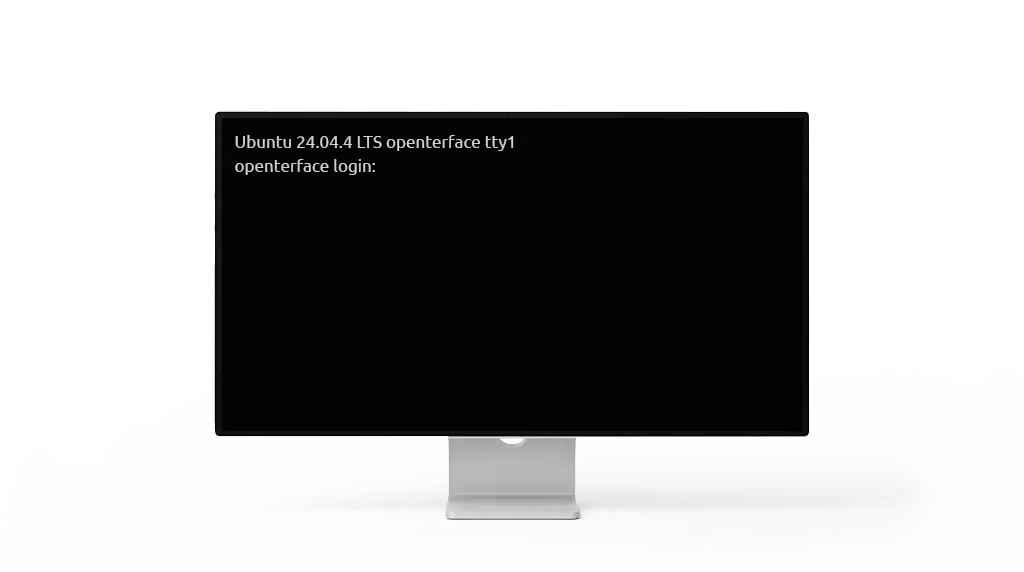
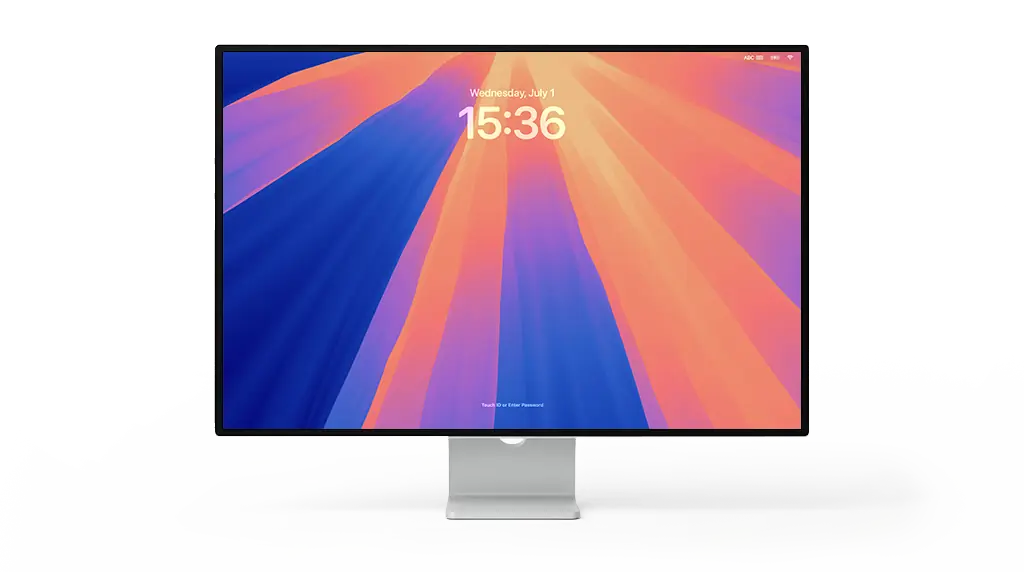
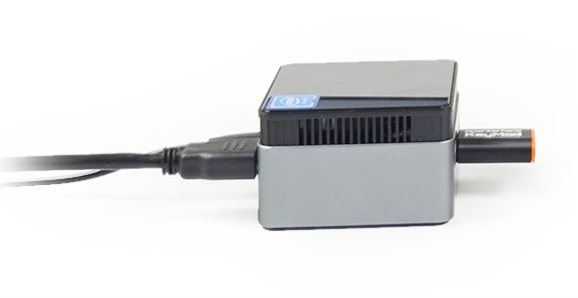
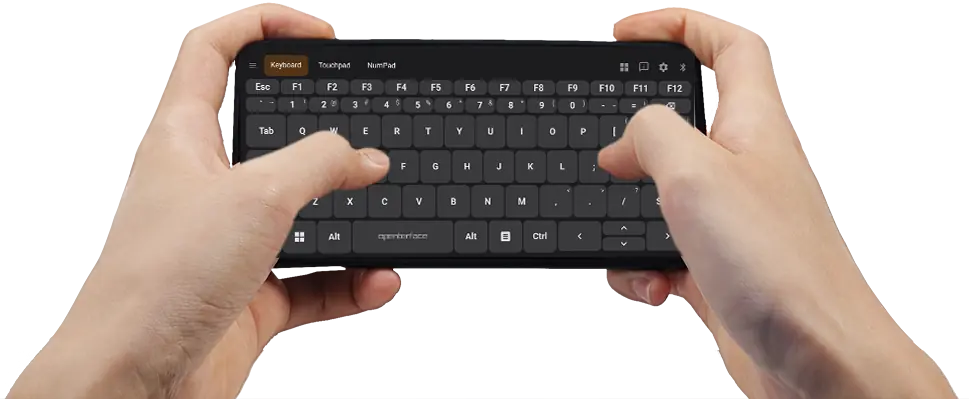
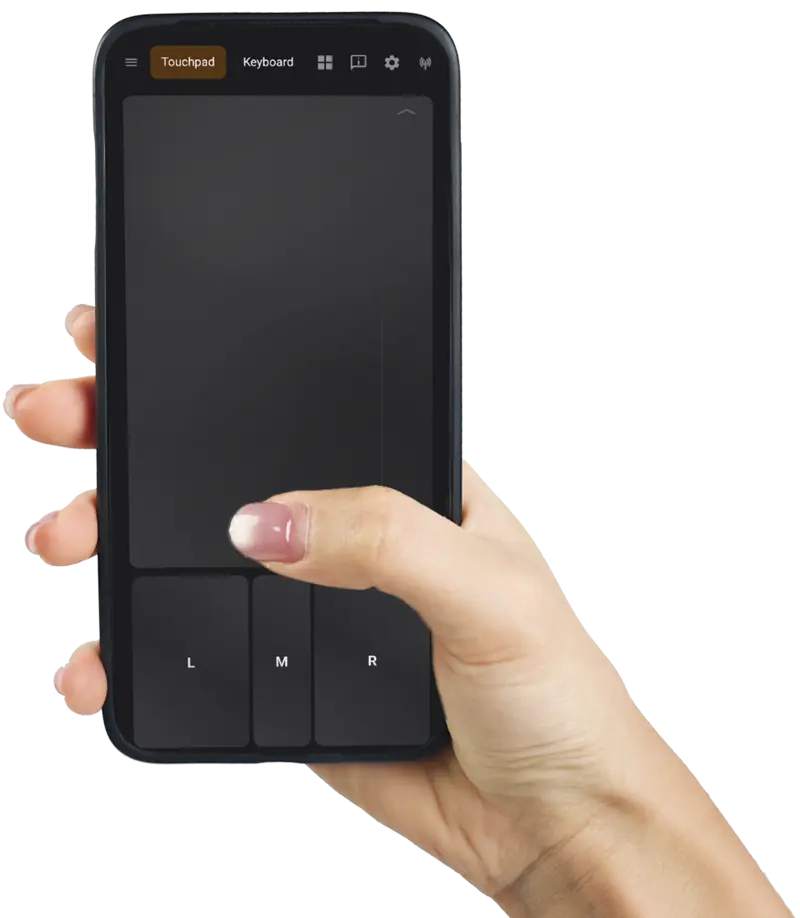
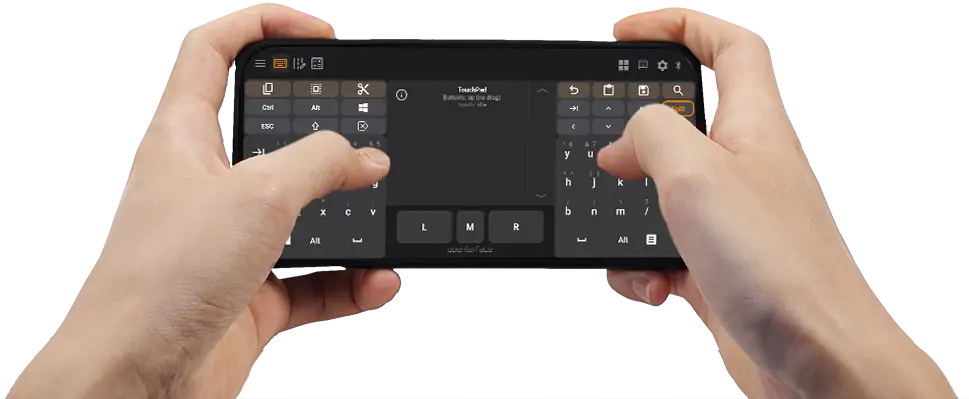
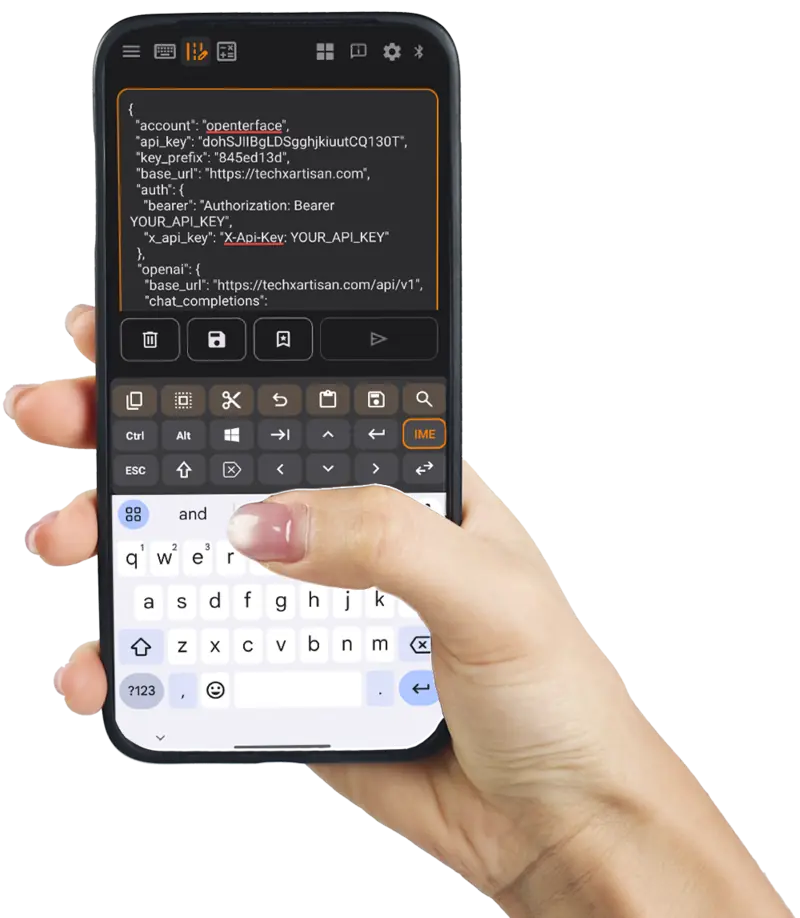
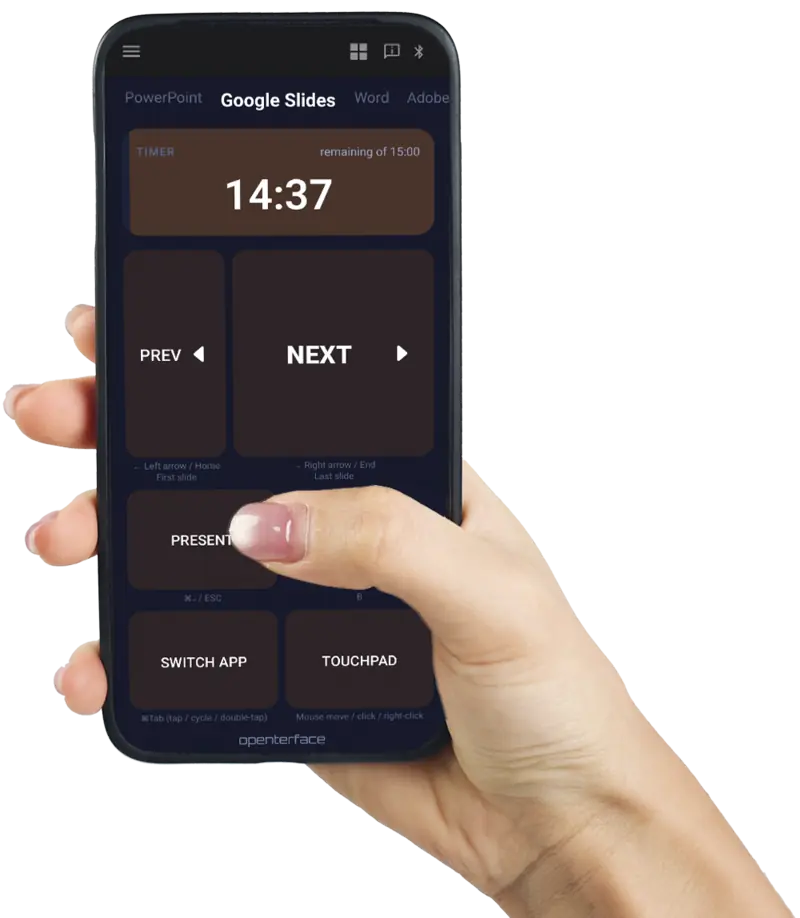
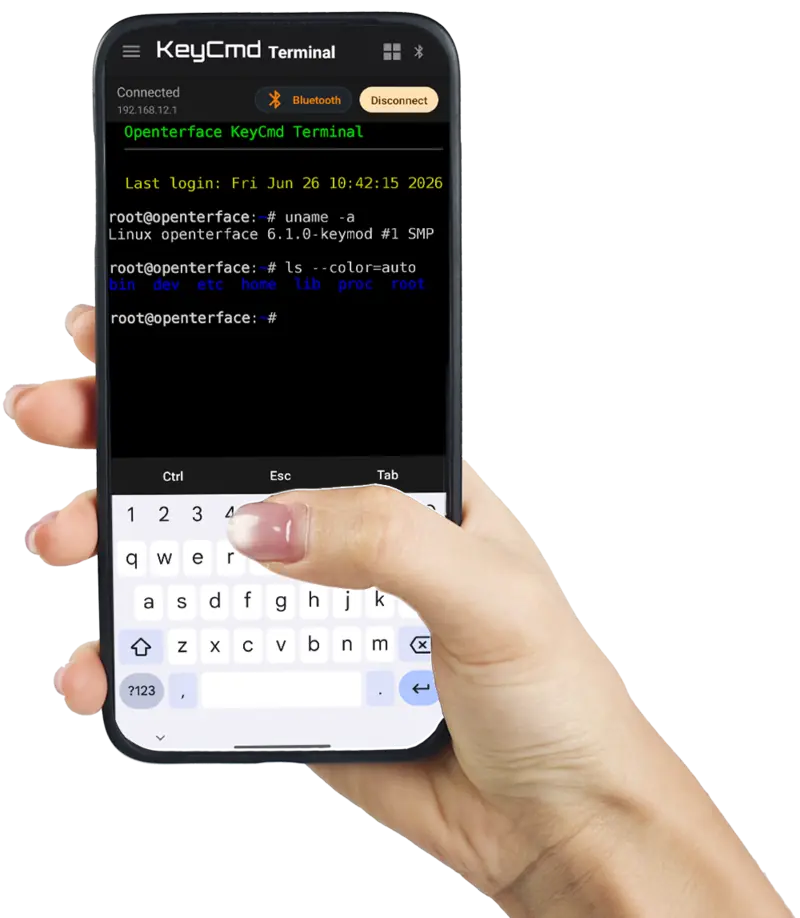
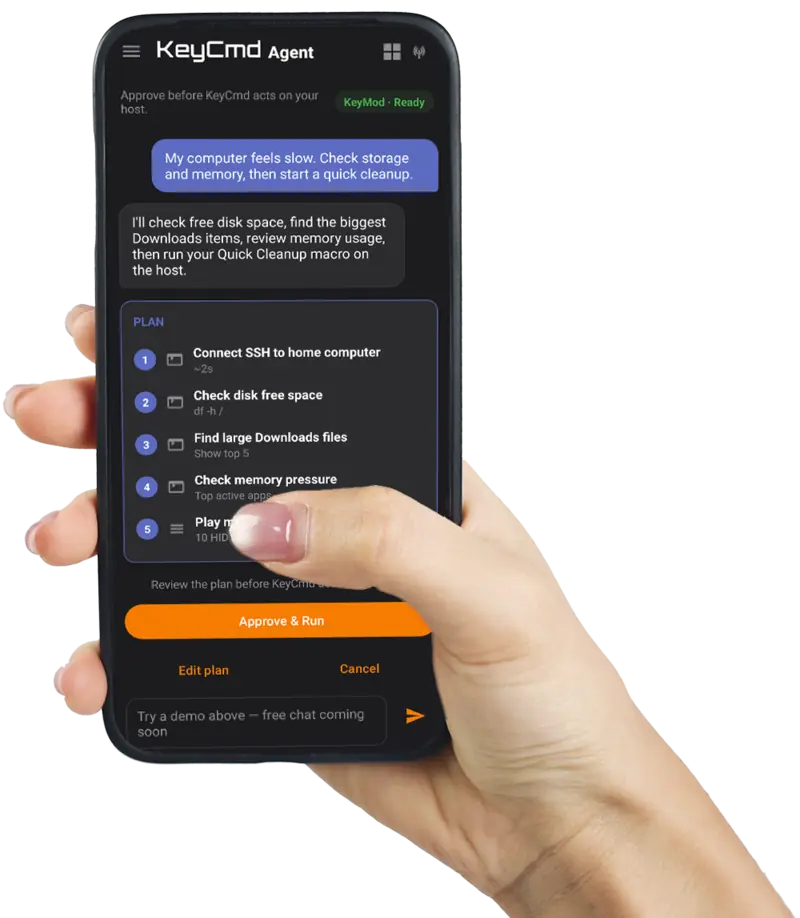
Type on your phone; characters appear on the target screen. BIOS-capable HID.
Ops Zone
Paste long commands to the target, keep a personal runbook, or SSH from your pocket. Plug in KeyMod. The target sees a standard keyboard and mouse with nothing to install or configure. No laptop at the rack.
Write multi-line commands on your phone, preview, then Send. KeyCmd types on the target over USB or Bluetooth HID. Zero install on the host. Cancel mid-send on long pastes. Your personal runbook: pin, rename, load, or send snippets in one tap (up to 60 items).
Interactive demo
ssh [email protected] 'cd /opt/stacks/monitoring && \
docker compose pull prometheus grafana node-exporter && \
docker compose up -d && \
docker compose ps && \
curl -sf http://127.0.0.1:9090/-/ready'
Tap a saved text to load and send
deploy@homelab:~$
Enter API key
Long API string send (IG) ↗ Real screen capture: paste a multi-line API call on your phone, tap Send, and watch KeyCmd type it on the target. Long code block send (IG Reel) ↗ Real demo: compose a long script on the phone and send it character-by-character to a locked-down host. Windows CMD: batch-rename images (X) ↗ Real screen capture: paste a batch-rename script on your phone, send it into Windows CMD, and let KeyMod type through dozens of filenames for you.
Dedicated Terminal mode runs SSH through the KeyMod bridge. Pick USB for speed at the machine or Bluetooth when you are across the room.
Interactive demo
KeyCmd Terminal ─────────────────────

Approximate UI. Check KeyCmd on your phone for the live app.
KeyCmd ships Terminal UI and transport stack today with Preview demos (USB and Bluetooth). Live SSH through KeyMod hardware follows firmware Phase 2 sign-off.
Agent Zone
Connect your LLM API key in KeyCmd. Agent Mode reads your intent, builds a step-by-step plan across Terminal, macros, HID, and shortcuts, then waits for your approval before anything runs on the host.
Bring your own API key (or sign in for limited free tier in KeyCmd). One sentence can chain SSH checks, macro playback, and keyboard shortcuts through the KeyMod bridge: the same firmware stack you use manually, orchestrated by an LLM.
Interactive demo
Approve before KeyCmd acts on your host.
KeyMod · Ready
Pick a demo to preview how Agent plans and acts on your target device.
Approximate UI. Check KeyCmd on your phone for the live app.
Preview demo on this page. No API key required. Live Agent chat with host execution ships in KeyCmd preview builds; full firmware-side automation follows our standard KeyCmd-first rollout.
Game Zone
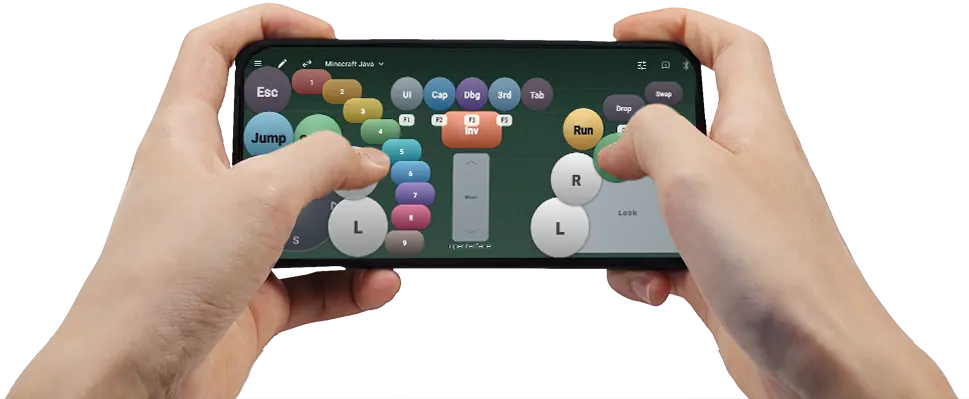
High-motion gamepad demos from KeyCmd. Same stack works with KeyMod hardware.
Gamepad tutorial ↗ Minecraft demo (IG) ↗ KVM-GO gamepad demos ↗
Tap the Preset chip to cycle saved controller layouts: bundled emu-6 starter, import/export JSON presets (schema v7).
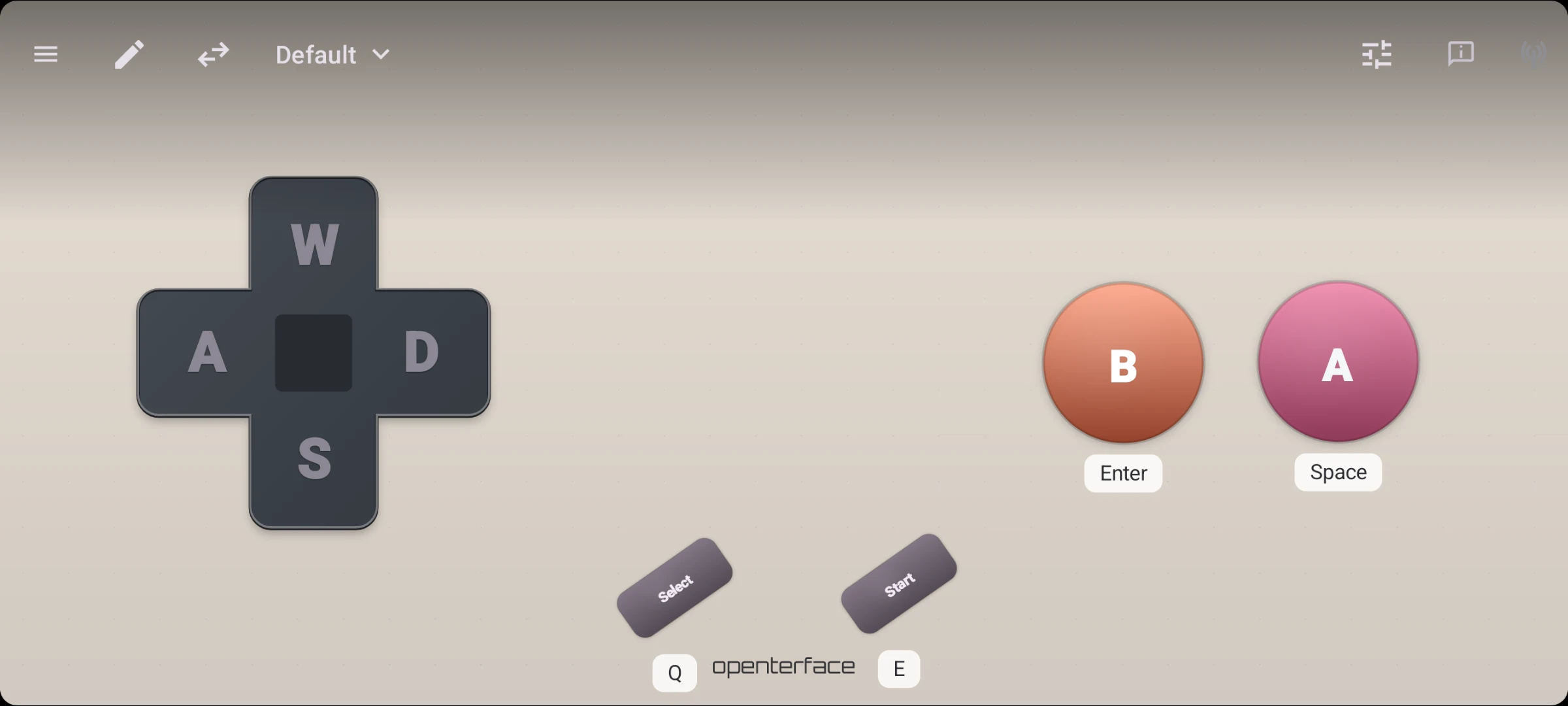
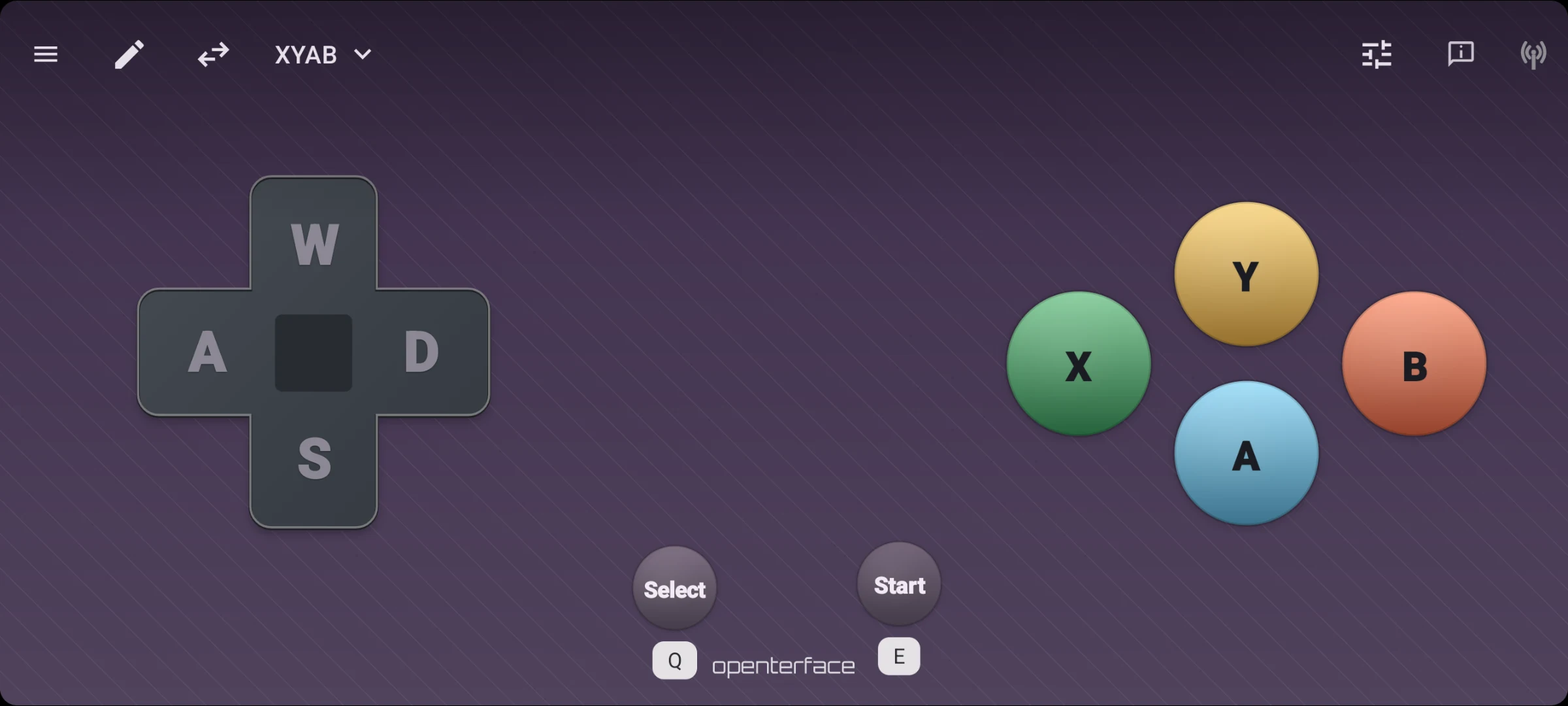
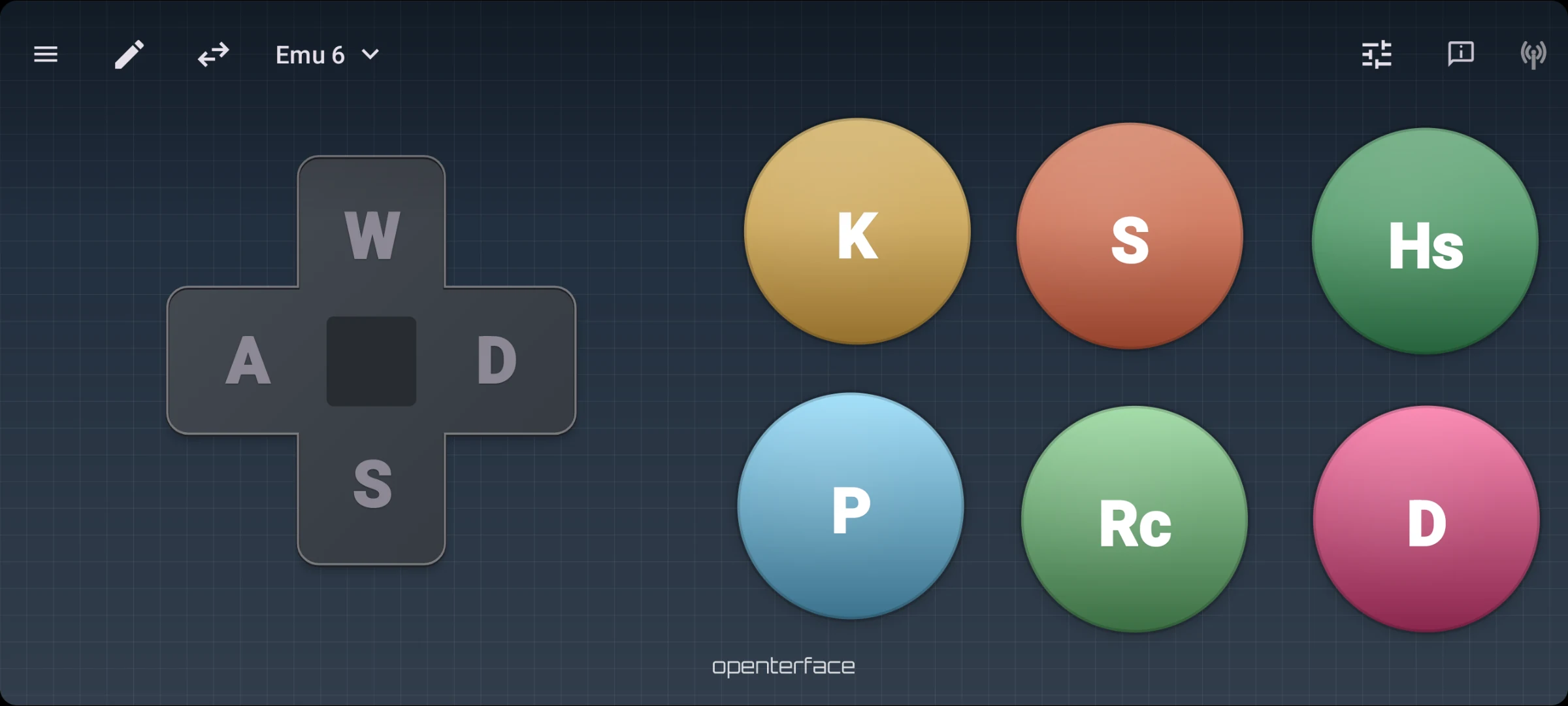
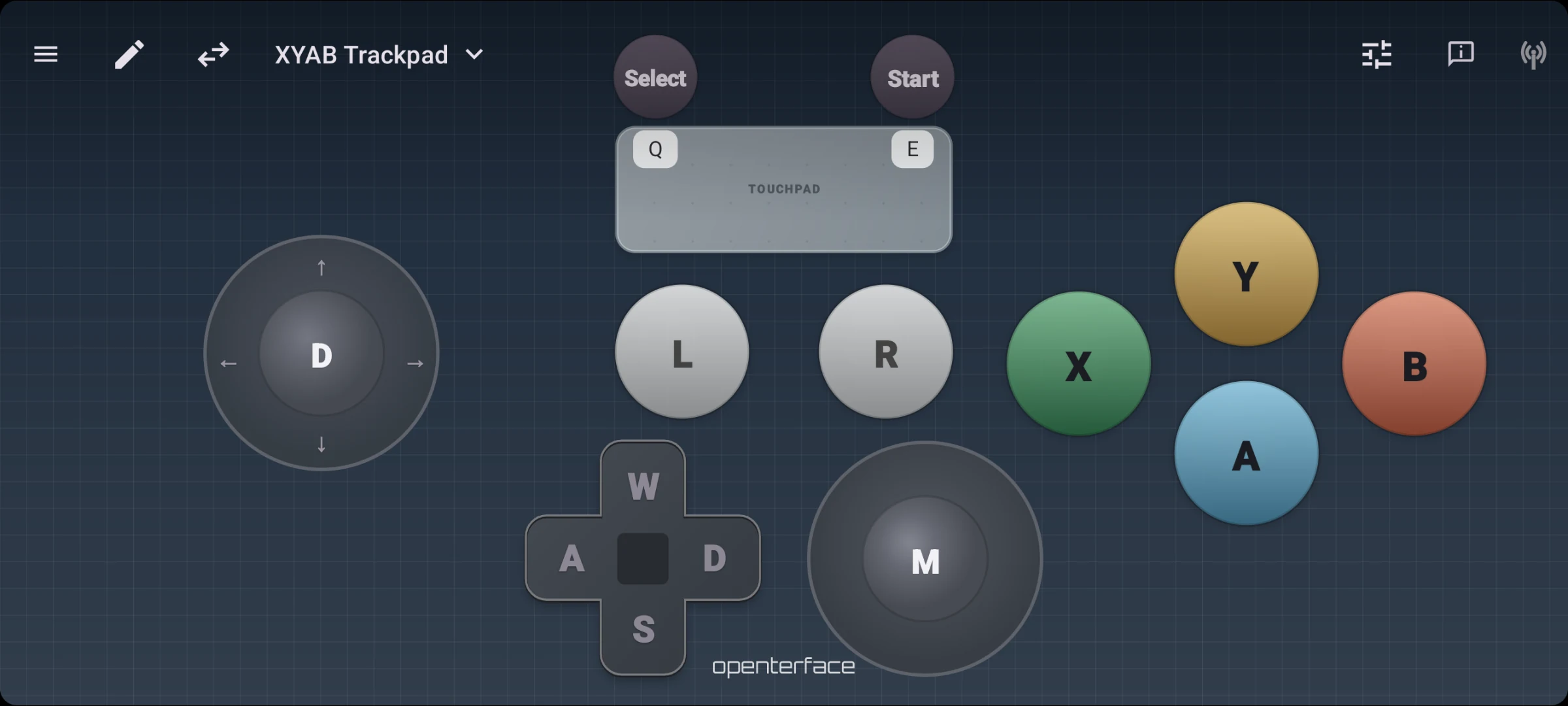
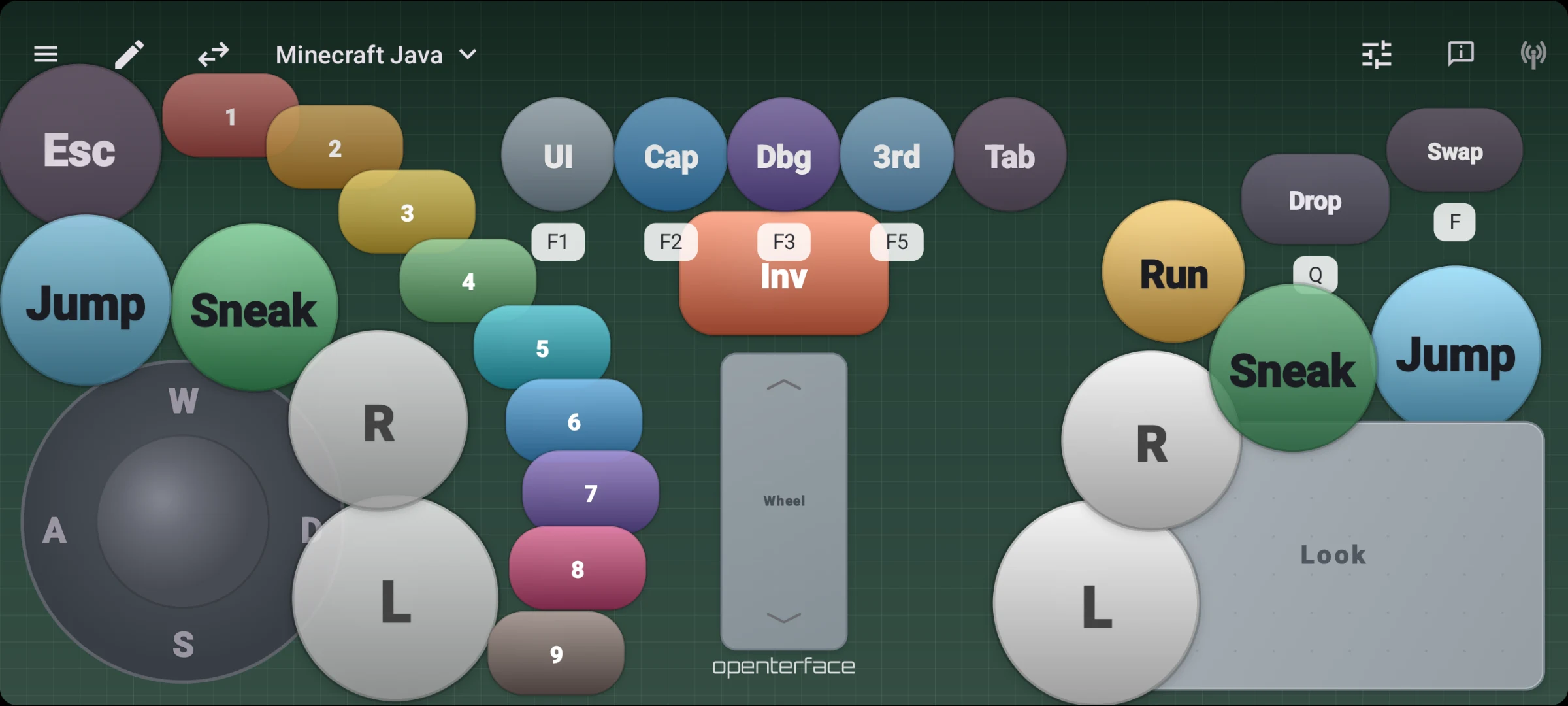
Add D-pad, sticks, touchpads, and face buttons. Tap any module to tune behavior, size, and WASD mapping.
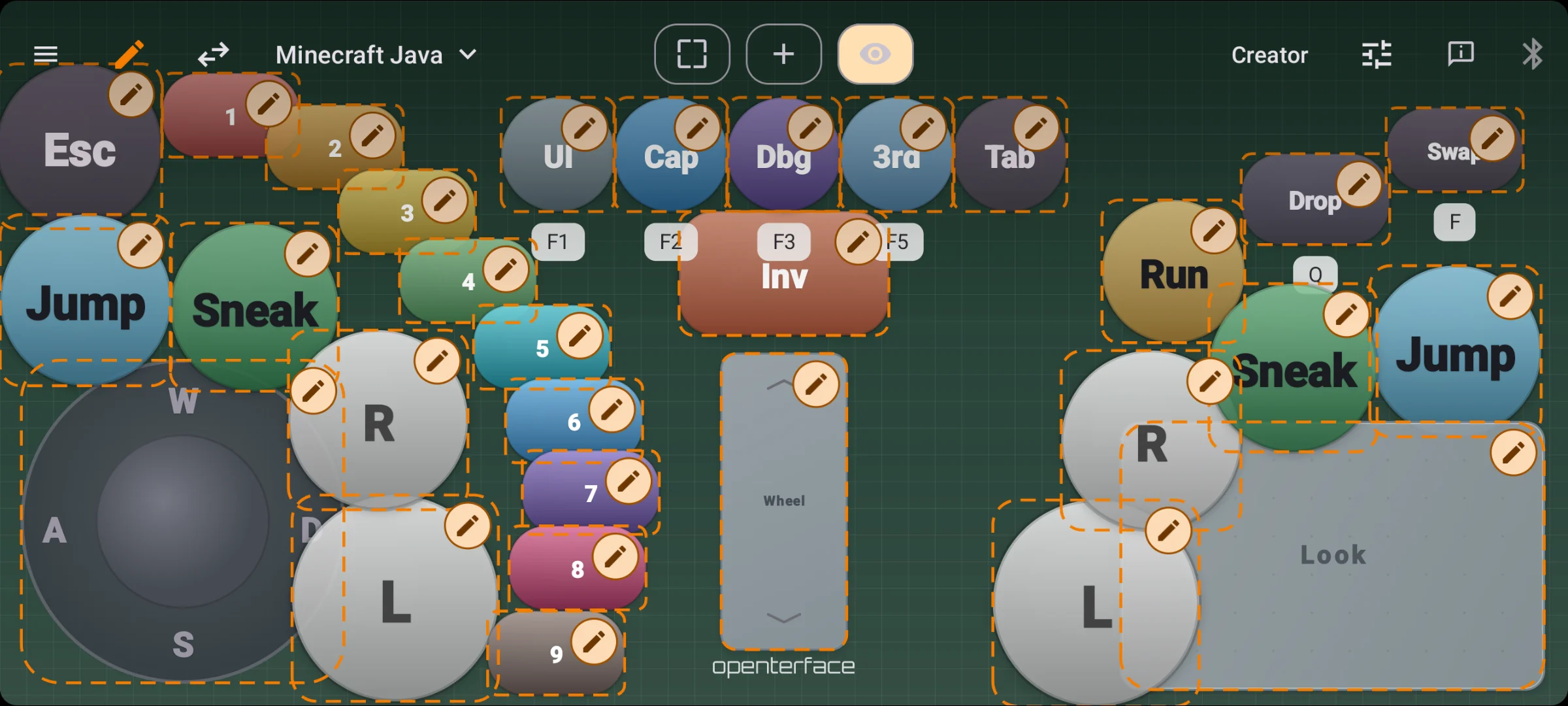
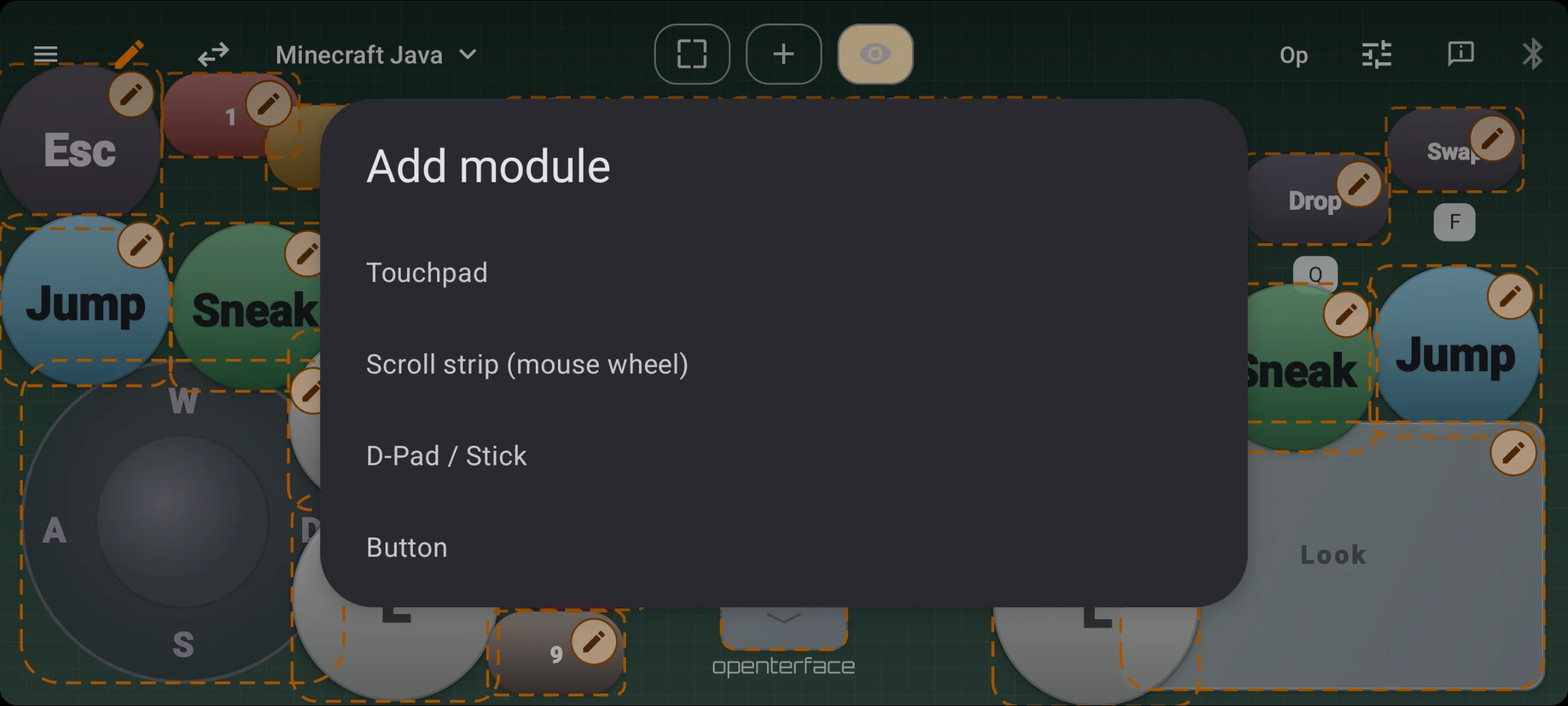
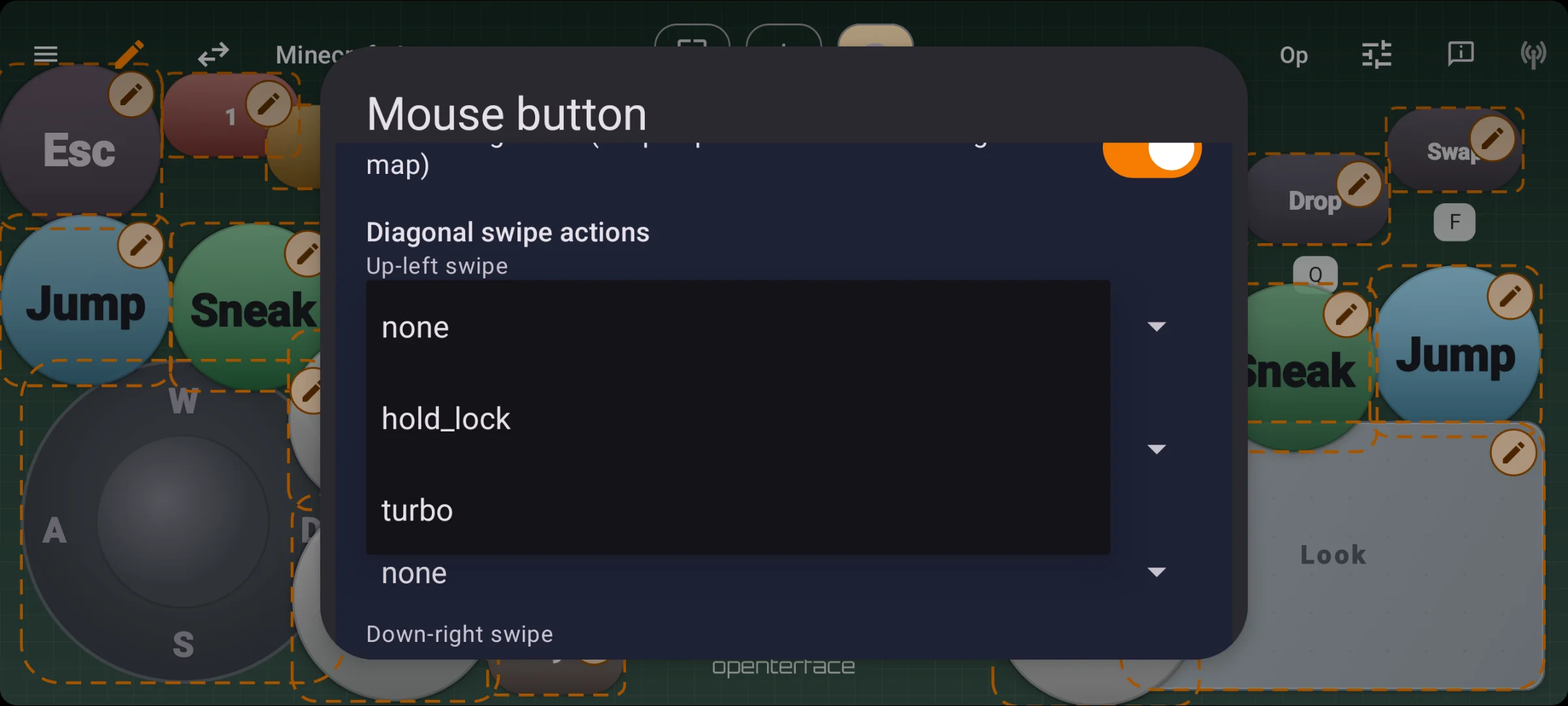
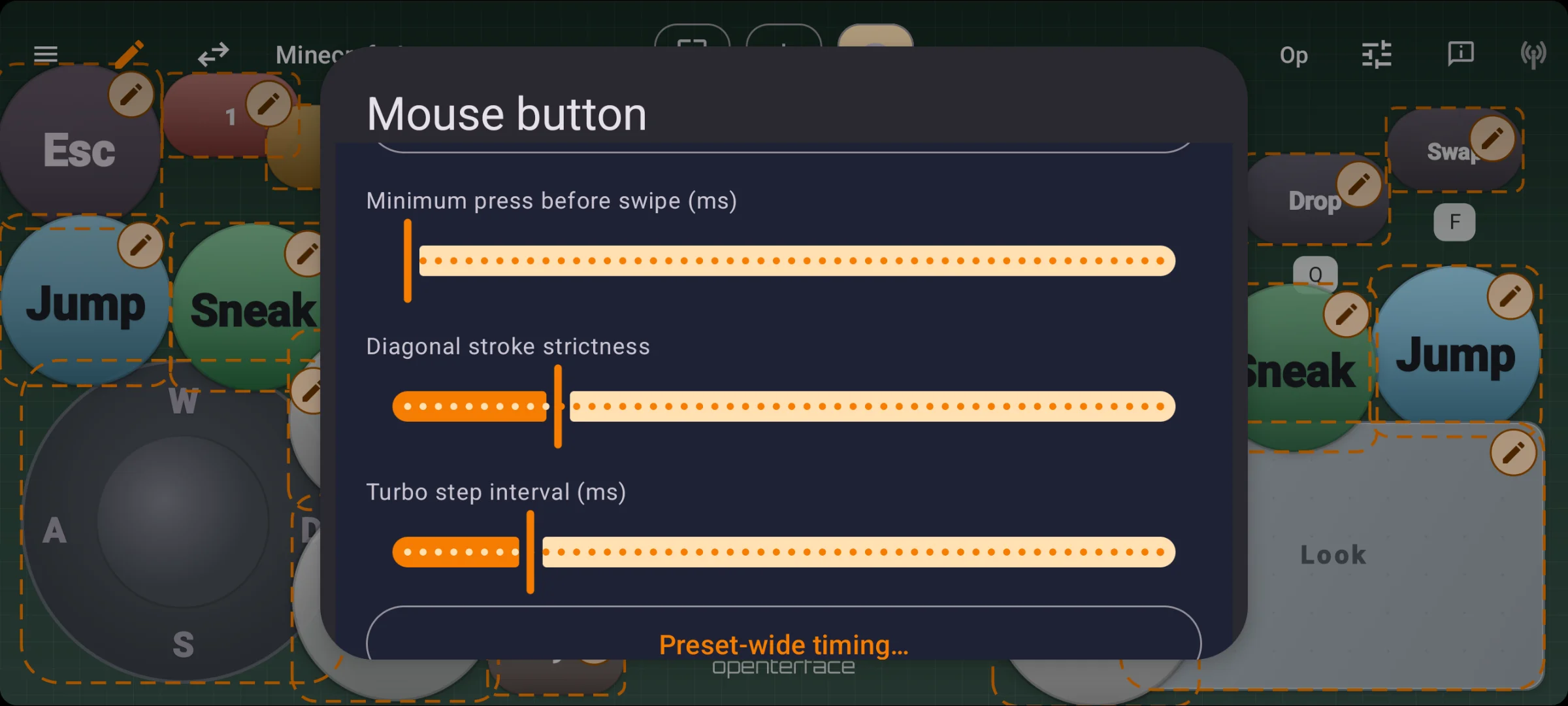
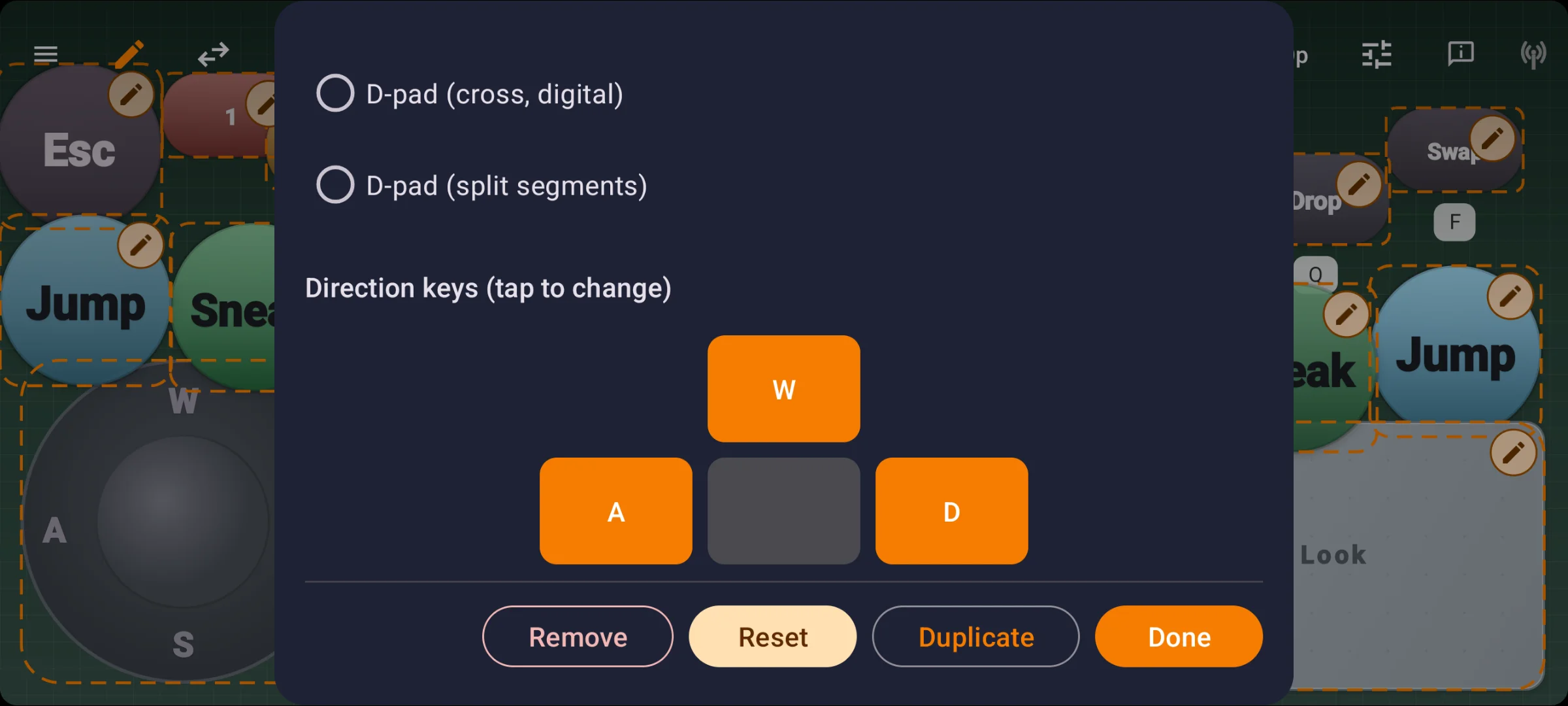
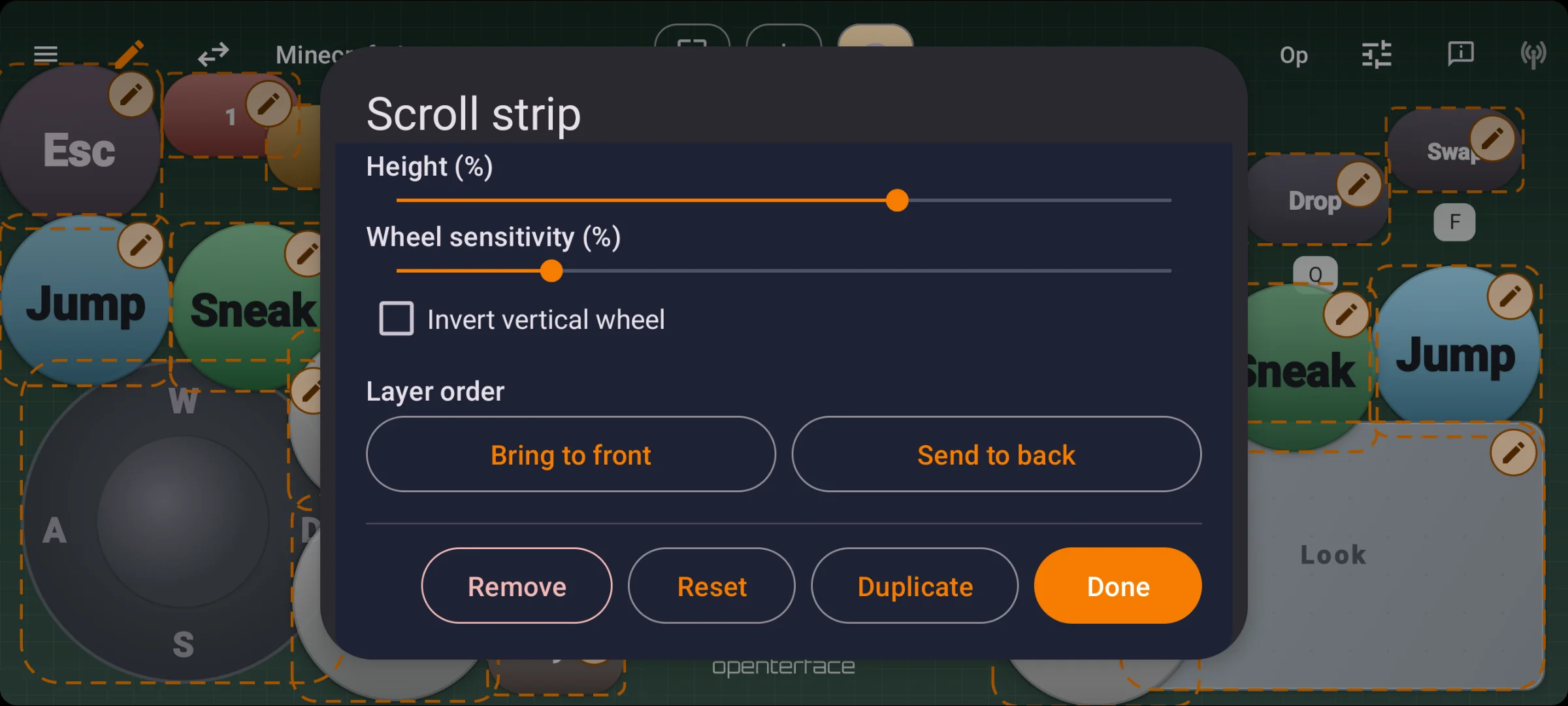
Export layouts as JSON and share with your team. Background art embeds in the file. Same gamepad mode on KeyMod and KVM-GO.
Choose your port
Same KeyCmd app. Different dongle for the port on your machine.
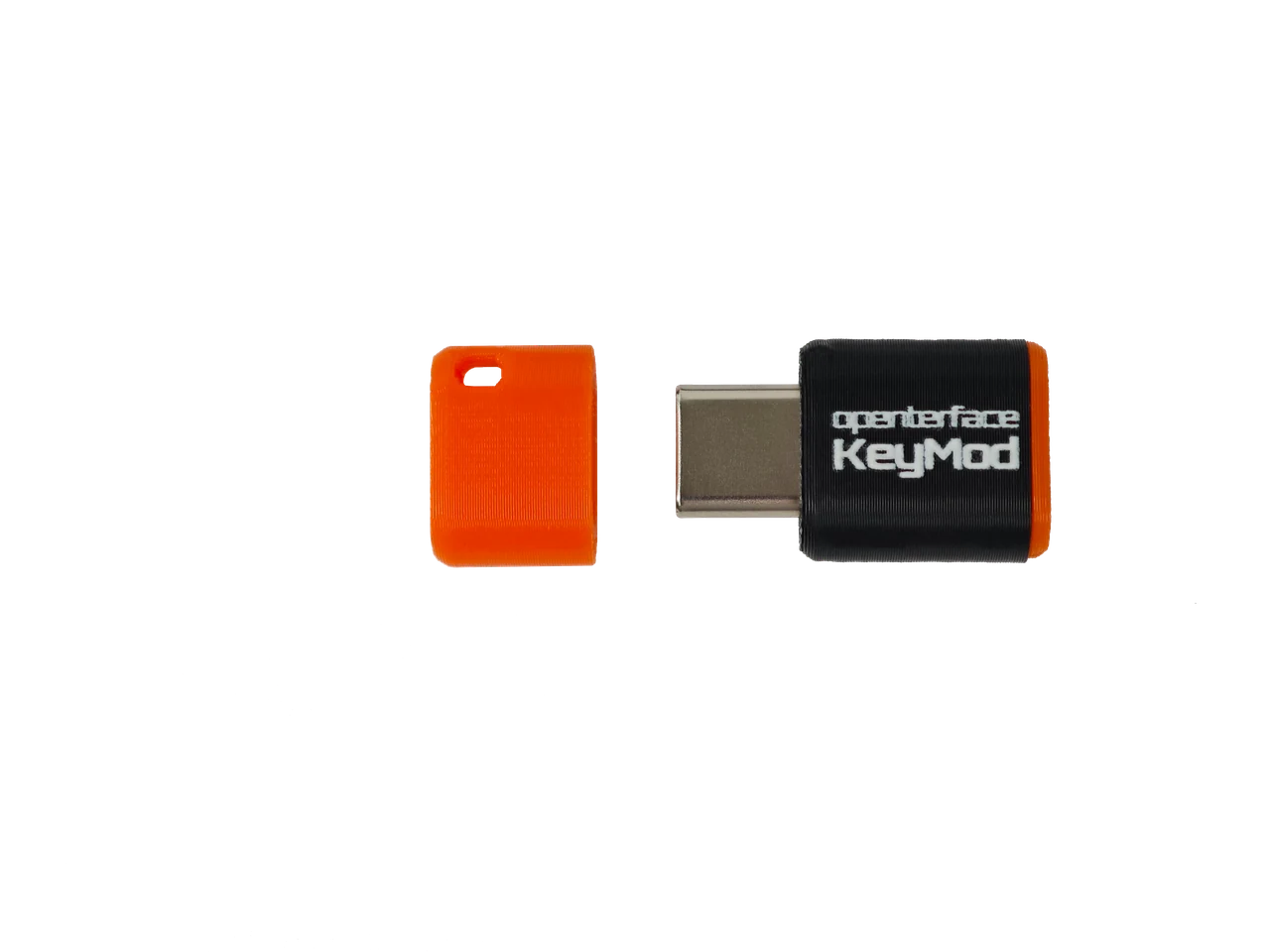
USB-C male → target
Type-C-first · ultra-compact EDC
Phone link: BLE wireless · ~5–10 m in open space.
The C-port dongle for your pocket.
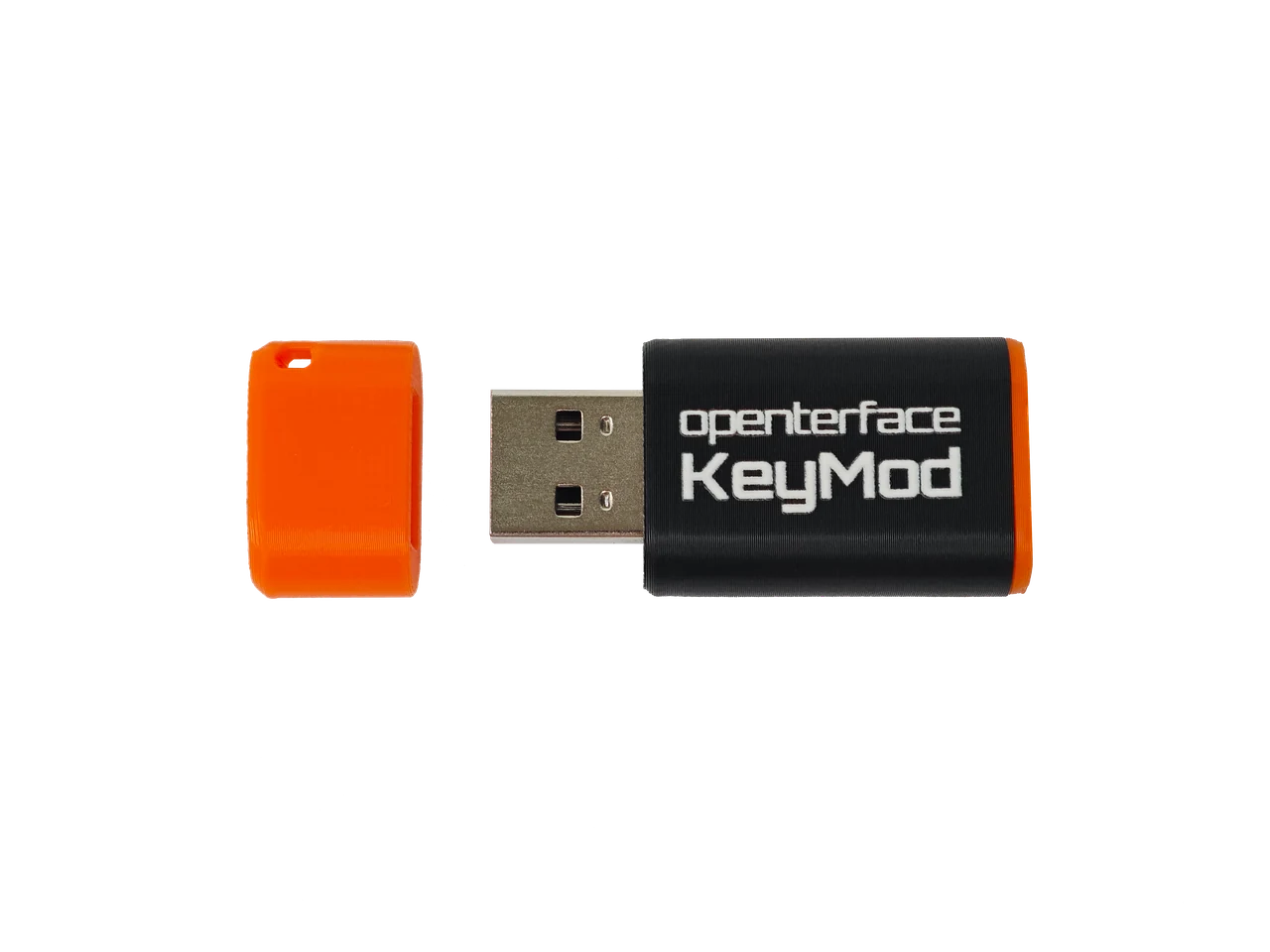
USB-A male → target
Servers · legacy · rack ops
Phone link: BLE or USB wired to the dongle. Wired is steadier and has more bandwidth (ideal for SSH over USB, etc).
The A-port dongle on the machine.
Roadmap
Here is what is queued up today.
Queued for firmware / features
Open by design
KeyMod follows the same open-hardware spirit as Openterface Mini-KVM and KVM-GO: transparent design, community feedback, and docs that grow with the product. Open hardware is rare and costly to get right. Your support is what lets us keep building that way.


FAQ
No. KeyMod is USB HID on the target. BLE (or Plus USB) is phone ↔ KeyMod only, not a Bluetooth keyboard emulating into the host OS. Your PC never pairs with your phone over Bluetooth.
Mini plugs into USB-C on the target and links to your phone over BLE. Plus plugs into USB-A and adds a USB wired path to your phone, which is steadier and has more bandwidth than BLE alone.
Both are Keyboard & Mouse modes inside KeyCmd, not separate products. KM Basic is keyboard, numpad, and touchpad only: simple, physical-style controls with nothing to learn. KM Pro adds strip shortcuts, Compose & Send, Saved texts, and Shortcut Hub for power-user workflows. Terminal is a separate KeyCmd mode (Preview today).
No. KeyMod emulates a standard USB keyboard and mouse. The target sees plug-and-play HID hardware. BIOS-capable, zero install on the host.
No. Use Mini-KVM or KVM-GO when you need the screen on your laptop.
No. KeyCmd maps sticks and buttons to keyboard and mouse actions. The target sees standard keyboard + mouse HID, not native gamepad HID.
CH32 platform work pushed KeyMod toward a Wireless USB Multi-tool with a scenario-first launch story.
Agent Mode connects an LLM to KeyMod firmware capabilities (Terminal, macros, HID, and shortcuts) with a plan-and-approve safety model. It ships in KeyCmd preview builds first; full host execution and firmware-side automation follow our standard KeyCmd-first rollout. Backing the Crowd Supply campaign helps us dedicate more engineering time to experimental modes.
Product journey
Seven milestones shipped. Pre-launch validation is underway. Crowdfunding and fulfillment are next.
← Swipe for earlier milestones
Stay in the loop
Product launches, firmware releases, and setup guides. At most one email per month. No spam.
Already on Crowd Supply? View the campaign ↗
Openterface family
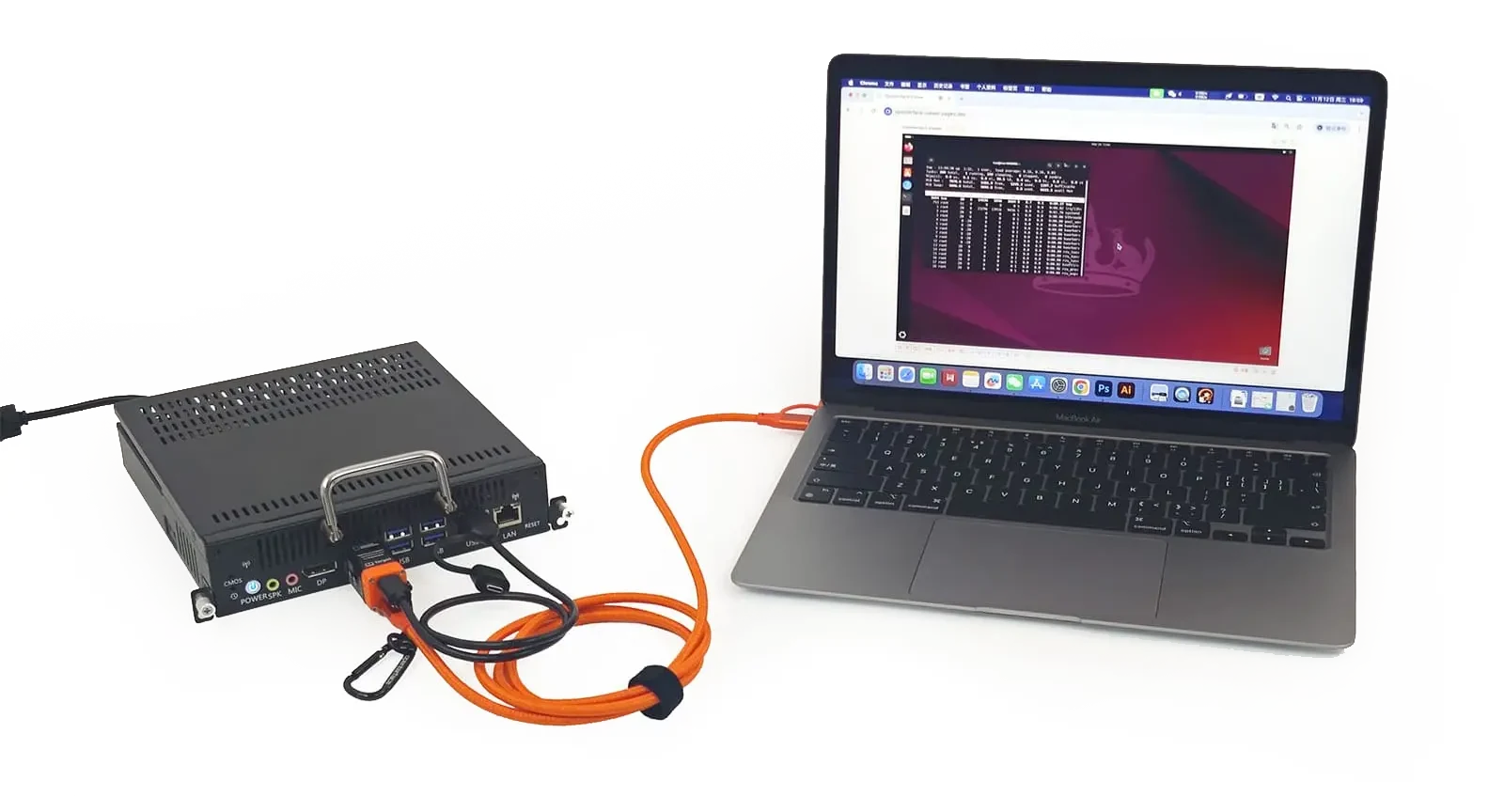
Mini-KVM and KVM-GO: video + keyboard and mouse control.







Community
Real users, real setups
@nester.3d2a
“Turns your phone into keyboard and touchpad for Pi and portable setups — now a permanent part of my toolkit.”
@nester.3d2a
“KeyMod is the keyboard and mouse for this mobile RF recon rig — no extra peripherals in the field.”
@cybermax560
@_m0usem0use_
EDC
“KeyMod is always in my bag: a full keyboard and trackpad when I need it.”
@463n7
Demo reel
“First beta test of KeyMod — already looks like a handy homelab companion.”
@463n7
Homelab
“Just popped this dongle in and launched the app. Full keyboard and touchpad without hunting for a USB cable.”
@nester.3d2a
“Turns your phone into keyboard and touchpad for Pi and portable setups — now a permanent part of my toolkit.”
@nester.3d2a
“KeyMod is the keyboard and mouse for this mobile RF recon rig — no extra peripherals in the field.”
@cybermax560
@_m0usem0use_
EDC
“KeyMod is always in my bag: a full keyboard and trackpad when I need it.”
@463n7
Demo reel
“First beta test of KeyMod — already looks like a handy homelab companion.”
@463n7
Homelab
“Just popped this dongle in and launched the app. Full keyboard and touchpad without hunting for a USB cable.”
Show all posts
@nester.3d2a
“Turns your phone into keyboard and touchpad for Pi and portable setups — now a permanent part of my toolkit.”
@nester.3d2a
“KeyMod is the keyboard and mouse for this mobile RF recon rig — no extra peripherals in the field.”
@cybermax560
@_m0usem0use_
EDC
“KeyMod is always in my bag: a full keyboard and trackpad when I need it.”
@463n7
Demo reel
“First beta test of KeyMod — already looks like a handy homelab companion.”
@463n7
Homelab
“Just popped this dongle in and launched the app. Full keyboard and touchpad without hunting for a USB cable.”
More demos on @techxartisan ↗ · All KeyMod media →